Most React apps don't start slow.
They start surprisingly fast.
The first version feels snappy. Renders are instant. DevTools flamegraphs look clean. You ship features confidently, assuming performance is "handled."
Then the app grows.
Not overnight but release by release. Teams multiply. Features stack. State spreads. And one day, without a single obvious change, things start to feel… off.
Not broken. Not crashing.
Just heavy.
This post is about how React performance problems actually appear as applications scale, not the textbook causes, but the failure modes we keep seeing in large production codebases.
We'll focus less on fixes and more on how performance fails, because by the time you're fixing it, you're usually already late.
Why performance is fine in small apps (and then collapses)
Early-stage React apps benefit from three accidental optimisations:
- Short render paths: Components are shallow. State is local. Updates don't travel far.
- Low fan-out: One state change affects a handful of components, not hundreds.
- Human-scale reasoning: Engineers still understand what re-renders what.
At this stage, React's default behaviour is more than enough.
But scaling doesn't add cost linearly.
It compounds.
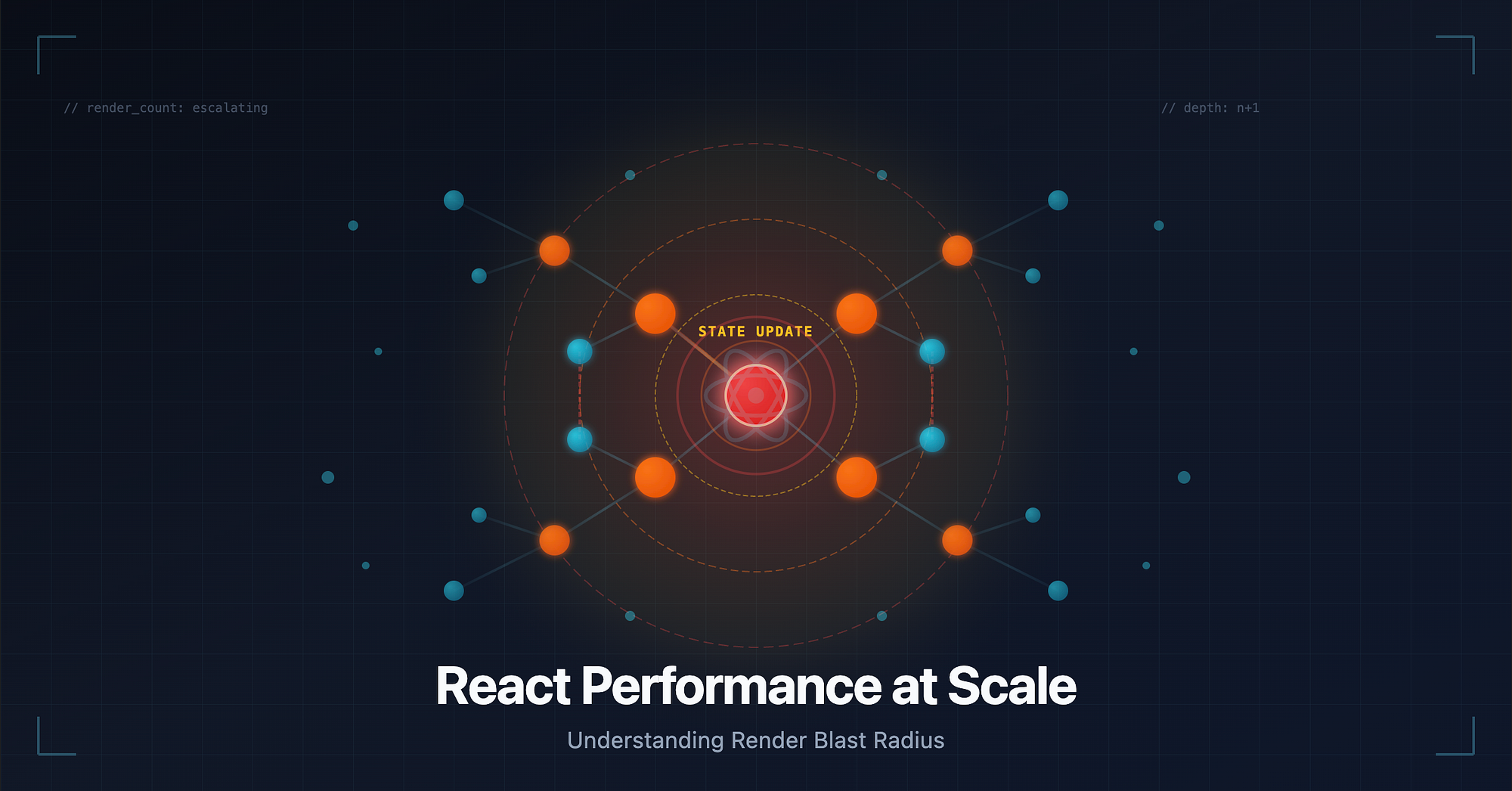
A mental model: render blast radius
Think of every state update as an explosion.
- In a small app, the blast radius is tiny.
- In a large app, the same update propagates across layers you didn't even know were connected.
Nothing "gets slower" individually. The surface area of impact grows.
That's why performance degradation feels sudden, even though it's been accumulating for months.
The real bottlenecks we see in large React codebases
1. Prop drilling doesn't hurt, until it really does
Prop drilling is often dismissed as a readability problem.
In large apps, it becomes a render topology problem.
What actually happens:
- A top-level container owns important state
- That state is threaded through 5–10 layers of components
- Most of those layers don't care about the data
- But every layer re-renders anyway
For example:
State update → AppShell → Layout → Page → Section → Widget → LeafEven if only the leaf needs the value, the entire chain re-runs.
At scale, these chains multiply.
You don't have one deep prop chain. You have dozens, intersecting in unpredictable ways.
2. Context overuse creates invisible coupling
Context feels like a solution to prop drilling.
In practice, it often just hides the same problem.
The trap:
- Context is introduced for "shared state"
- Over time, more values are added
- Consumers subscribe to the whole context object
- Any change invalidates all consumers
What makes this dangerous is invisibility.
You don't see prop lines anymore, so you lose intuition about render paths.
For example:
Context update → Every consumer re-renders → Each consumer triggers its subtreeIn large apps, this can mean hundreds of components re-running because a single boolean flipped.
3. Memoization abuse: when memo becomes noise
At some point, teams discover React.memo.
Then everything gets memoized.
This is where performance thinking often collapses.
Why?
- Memoization only helps when props are referentially stable
- Large apps rarely have stable props by default
- Derived objects, inline callbacks, and arrays defeat memoization
Worse, memoization adds cognitive overhead.
Now engineers assume components are "cheap" because they're memoized, even when they're not.
The app feels slow, but the code looks optimised.
That's a dangerous place to be.
4. Cascading renders are the silent killer
This is the failure mode we see most often.
A render causes another render.
Which causes another.
Not in a loop, just in a cascade.
Common sources:
- Effects that set state during render cycles
- Derived state stored redundantly
- Parent re-renders causing child recalculations
For example:
User interaction → State update → Re-render → Effect runs → State update → Re-renderEach step is "valid."
Together, they create a slow-motion storm.
Why "just memoize" stops working
Memoization assumes you know your render graph.
In large apps, you don't.
Not because you're careless, but because the system has grown beyond human-scale reasoning.
At scale:
- Props change because somewhere an object was recreated
- Context changes because something unrelated updated
- Effects fire because dependencies shifted
Memoization becomes reactive instead of preventive.
You add memo after things are slow, not where structure demands it.
By then, the damage is architectural.
How render paths grow without anyone noticing
This is the most important section.
Render paths don't grow because of bad engineers.
They grow because of local optimisations.
Examples we see repeatedly:
- A feature adds state "temporarily" to a high-level component
- A context gains "one more field"
- A hook starts returning richer data
Each change is reasonable in isolation.
But each one slightly increases the blast radius.
No single PR breaks performance.
The sum of reasonable decisions does.
Practical heuristics to spot breaking points early
These aren't fixes. They're warning signs.
1. When state moves up, ask: who just became coupled?
Every upward move increases fan-out.
If you can't clearly name all consumers, you're already in risky territory.
2. Count consumers, not components
A component rendering is cheap.
A component causing others to render is expensive.
Start thinking in terms of consumer count per update.
3. If you need memo everywhere, the structure is wrong
Memoization should be surgical.
If it's blanket-applied, it's compensating for an overly broad render scope.
4. Watch for effects that exist "just to sync"
Effects that mirror props into state or derive data reactively are often render amplifiers.
They don't look slow but they multiply work.
5. Trust user perception over metrics
Users feel latency before graphs show spikes.
When engineers say "it feels heavier," believe them.
That intuition is often your first real signal.
Wrapping Up
React performance problems at scale are rarely about missing useMemo or inefficient loops.
They're about render topology.
About how far updates travel.
About how many things accidentally become connected.
If there's one takeaway, it's this:
Performance doesn't fail because components are slow. It fails because too many components are involved.
Once you see your app as a network of render paths instead of a tree of components, performance conversations change.
And more importantly, you start catching problems before users do.