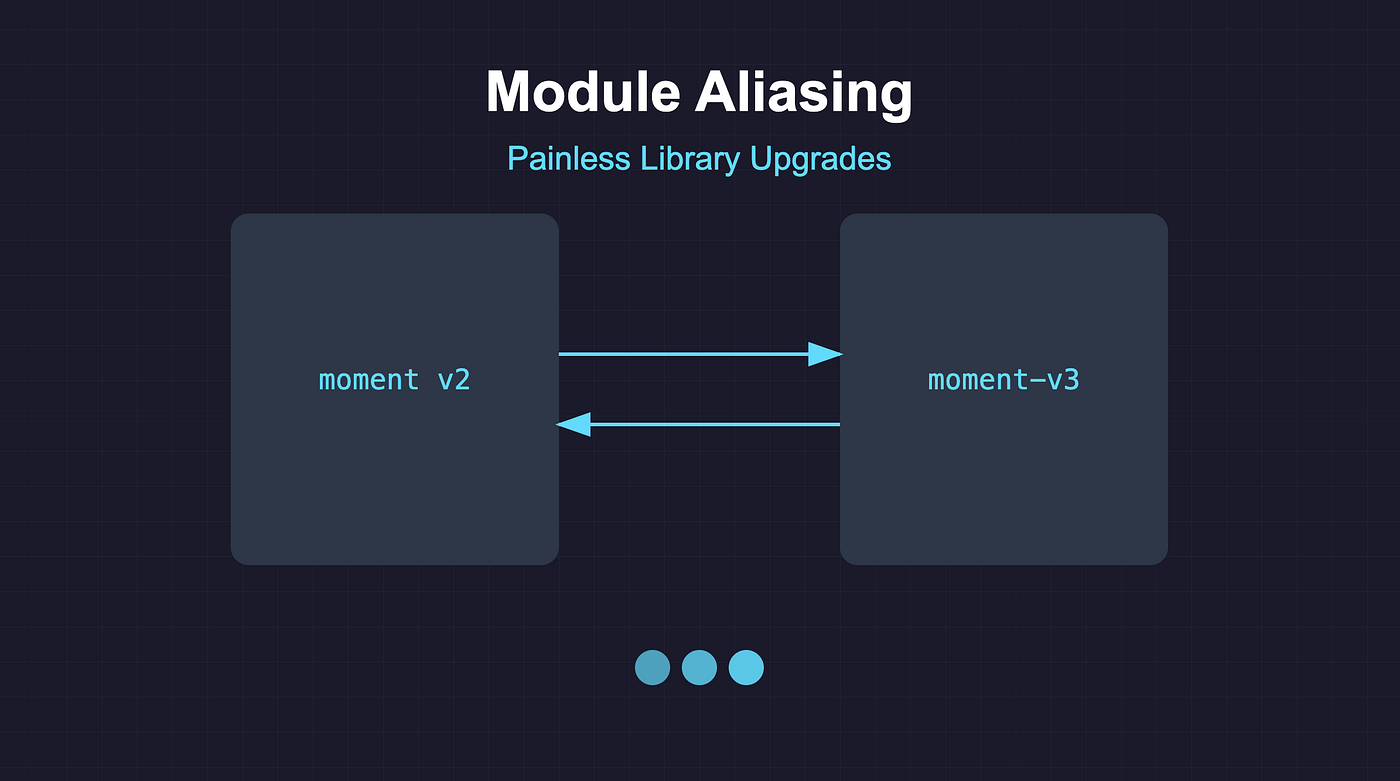
Upgrading a library that’s used everywhere usually means touching hundreds of files and dealing with breaking changes. Module aliasing lets you install and use two versions of the same library at once so you can migrate gradually.
The Classic Upgrade Dilemma
You depend heavily on something like moment v2 and want to move to v3. A direct upgrade means:
- Updating many files
- Handling breaking changes everywhere
- Re-running tests for every change
- Higher risk of production issues
Module aliasing reduces that risk by letting old and new code coexist.
Module Aliasing in Practice
You can have two “names” for the same package at different versions: the original name (e.g. moment v2) and an alias (e.g. moment-v3 pointing at moment v3).
Step 1: package.json
{
  "dependencies": {
    "moment": "^2.29.4",
    "moment-v3": "npm:moment@^3.0.0"
  }
}
"moment": "^2.29.4"— normal dependency;import moment from "moment"gets v2."moment-v3": "npm:moment@^3.0.0"— npm installsmomentat v3 under the namemoment-v3.
Step 2: Using both versions
// Existing code
import moment from "moment";

// New or migrated code
import momentV3 from "moment-v3";

console.log(moment().format("YYYY-MM-DD"));
console.log(momentV3().format("YYYY-MM-DD"));
Each import path gets its own version; no name collision.
How it works
- npm installs two separate copies (e.g. under
node_modules/momentandnode_modules/moment-v3). - The bundler treats them as different packages, so there are no conflicts.
- You migrate file by file (or module by module) from
momenttomoment-v3, then eventually remove the old dependency.
Real-world example: ag-grid
For a large app on ag-grid 21 with many grid usages, we added an alias for v31:
- Kept existing code on
ag-grid21. - New or migrated code used the aliased package (e.g.
ag-grid-v31). - We moved one module at a time (e.g. admin first, then critical screens), tested each step, and only then removed the old version.
That way we avoided a single “big bang” upgrade.
Benefits
- Pace: Migrate at your own speed.
- Risk: Test the new version in isolation.
- Continuity: No need to freeze the whole codebase.
- Teams: Different teams can migrate on different schedules.
Tips
- Track which components or modules have been migrated (e.g. a doc or checklist).
- Plan a deadline to remove the old version and avoid carrying two forever.
- Document migration steps and patterns for the team.
- Use codemods or scripts where the upgrade is mechanical.
Trade-offs
- Bundle size: You may ship two versions temporarily. Treat it as a short-term trade-off; remove the old version once migration is done.
Use module aliasing when the library is used in many places, the upgrade has breaking changes, and you want to keep the app stable while moving over time.
If you found this helpful, give it a clap 👏 and follow for more on React, frontend, and engineering practices. Have you used module aliasing or other migration tricks? Share in the comments.