You have written this line, and you have been burned by it:
const d = new Date(2026, 8, 10); // September, not AugustMonths are zero-indexed. Date is mutable, so passing one into a function is passing a live handle. There is no real time-zone type, the string parser is a coin flip across engines, and DST math has quietly shipped wrong meeting times to your users for years. Every senior engineer has a private folder of workarounds for this.
Temporal retires that folder. It reached TC39 Stage 4 in March 2026 and is now in ECMAScript 2026, shipping natively in Chrome 144, Firefox 139, and Node 26. By the end of this post you will know which of its types to reach for, how DST disambiguation actually works, and how to put it in production today without waiting for full Baseline.
The one idea that makes Temporal click: exact time vs wall-clock time
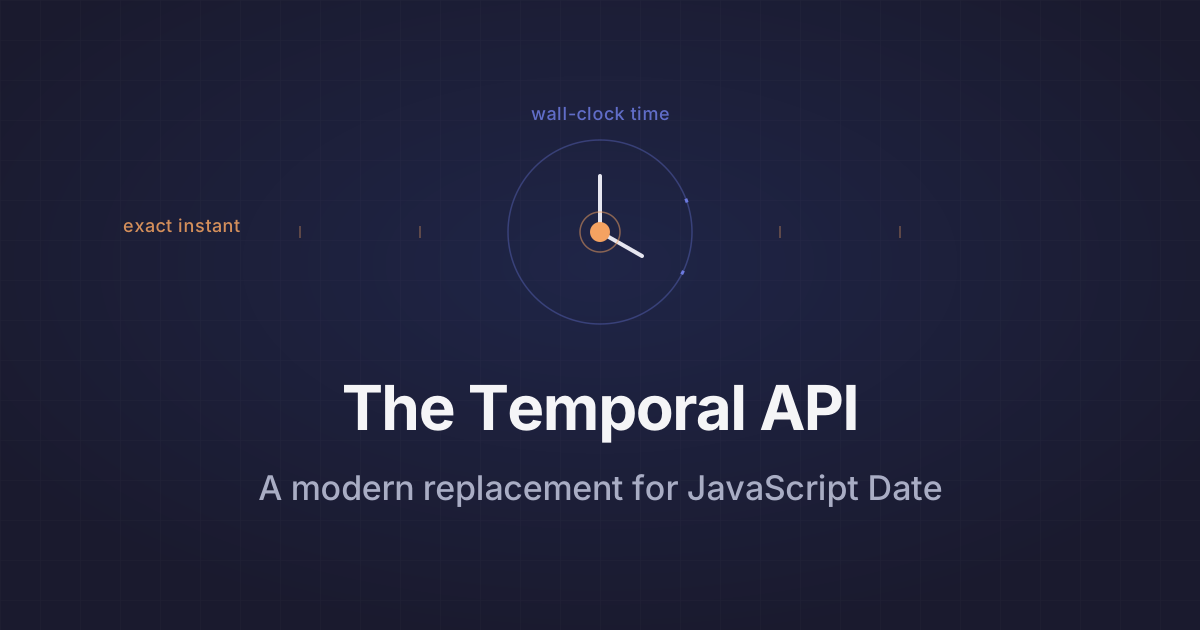
Date conflates two things that are not the same. "The instant a payment settled" is an exact point on the global timeline. "9:30 AM standup" is a wall-clock reading that means different absolute instants depending on the zone and the day.
Temporal is a namespace, not a constructor (think Math or Intl), and it splits these apart into distinct types:
Temporal.Instantis an exact point, nanoseconds since the Unix epoch. No zone, no calendar.Temporal.ZonedDateTimeis an instant plus a time zone plus a calendar. This is the one you want for anything scheduled.Temporal.PlainDate,PlainTime,PlainDateTime,PlainYearMonth, andPlainMonthDayare wall-clock values with no zone at all. A birthday is aPlainDate.Temporal.Durationis a length of time, andTemporal.Nowis your entry point to the clock.
Pick the type that carries exactly the information you have, and no more. Most Date bugs come from pretending you have zone information you don't, or throwing away zone information you needed.
Immutability kills the mutation bug outright
Here is the classic footgun. A helper computes next month's billing date and silently corrupts its caller.
function nextBillingDate(start) {
  start.setMonth(start.getMonth() + 1);
  return start; // start was mutated; the caller's date is now wrong
}

const signupDate = new Date("2026-01-31");
const billing = nextBillingDate(signupDate);
// signupDate is now March 3 (Jan 31 + 1 month overflows February)
Two bugs in four lines: the caller's signupDate is destroyed, and the February overflow rolls into March. Temporal objects are immutable, so with, add, and subtract all return new instances.
function nextBillingDate(start) {
  return start.add({ months: 1 }); // start is untouched
}

const signupDate = Temporal.PlainDate.from("2026-01-31");
const billing = nextBillingDate(signupDate); // 2026-02-28, clamped correctly
// signupDate is still 2026-01-31
Nothing you pass in can be changed under you. The month arithmetic clamps to the real end of February instead of overflowing.
How DST disambiguation actually works
This is where Date has cost real money. Schedule a 9:30 AM meeting in New York and ask for its exact UTC instant. On a normal day that is trivial. On the spring-forward morning, 2:30 AM does not exist, and on the fall-back morning, 1:30 AM happens twice. Date guesses silently. Temporal makes you decide.
// Spring-forward day: 2:30 AM America/New_York does not exist
const meeting = Temporal.PlainDateTime.from("2026-03-08T02:30:00");
const zoned = meeting.toZonedDateTime("America/New_York", {
  disambiguation: "compatible",
});
zoned.toInstant(); // resolves forward to 3:30 AM local
You get four options at construction time. 'reject' throws, which is what you want when a nonexistent time signals a bug upstream. 'earlier' and 'later' pick a side of the gap or overlap explicitly. 'compatible' is the default and matches what other platforms do: it moves forward through spring-forward gaps and picks the first occurrence through fall-back overlaps.
Two things worth committing to memory. Disambiguation only applies when you construct or modify a ZonedDateTime (from, with, toZonedDateTime); arithmetic on an existing one handles gaps automatically. And if your input string already carries a usable offset, the disambiguation option is ignored, because there is nothing ambiguous left to resolve.
Duration math without reaching for a library
The hand-rolled version everyone has written subtracts two getTime() values and divides by a magic number, which quietly breaks across DST boundaries because not every day is 86,400 seconds.
const days =
  (endDate.getTime() - startDate.getTime()) / (1000 * 60 * 60 * 24);
Temporal gives you calendar-aware differences directly.
const until = Temporal.Now.plainDateISO().until(
  Temporal.PlainDate.from("2028-10-11"),
  { largestUnit: "day" }
);
until.days; // an exact whole-day count, DST-safe
until returns a Temporal.Duration. You can round it, read individual units off it, or ask for largestUnit: 'year' to get years-and-months instead of a flat day count. No luxon import for the common case.
Adopt it now, behind the polyfill
Here is the stance I will defend: don't wait for full Baseline. Safari only has Temporal in Technology Preview as of mid-2026, so MDN still flags it as not Baseline, but that is a distribution gap, not a stability risk. The API is frozen at Stage 4, so there is no churn to get ahead of.
The bundle-size argument seals it. FullCalendar's temporal-polyfill is around 20 kB min+gzip and tree-shakeable. The champions' @js-temporal/polyfill is roughly 45 kB gzipped, about twice the size. Both are smaller than the moment or luxon build you are very likely shipping already, so adopting Temporal can shrink your bundle while fixing the bugs.
import { Temporal } from "temporal-polyfill";

// Prefer native where present, fall back to the polyfill.
const T = globalThis.Temporal ?? Temporal;
const now = T.Now.zonedDateTimeISO("America/New_York");
Serialization is standardized too: Temporal writes RFC 9557, an ISO 8601 superset, so a value round-trips as 2026-08-10T14:30:00-04:00[America/New_York][u-ca=iso8601] with the zone and calendar attached. Firefox benchmarks put its performance close to Date, so you are not trading correctness for speed.
Start with new code and the leaf functions that do date math. Store Instant or ZonedDateTime at your boundaries, keep PlainDate for anything without a zone, and let the old Date call sites die off as you touch them. The migration is incremental because the types force you to name what you actually have, which is the same discipline that stops the bugs in the first place.