You've been writing JavaScript for years. You've battled production bugs, shipped features under impossible deadlines, and maybe even mentored junior devs. But let me ask you this: when was the last time a closure bug made you scratch your head for hours? Or that sneaky this binding decided to betray you in production logs?
The truth is that no matter how "senior" we get, JavaScript still has a few dark corners where even experienced developers trip up. Let's shine a flashlight on some of these.
1. Closures That Bite Back
Closures are one of JavaScript's most powerful features and also one of its most confusing. They let you keep state around even after a function has returned. But misuse them, and you're in for a debugging nightmare.
The Classic Gotcha: Loop + Closures
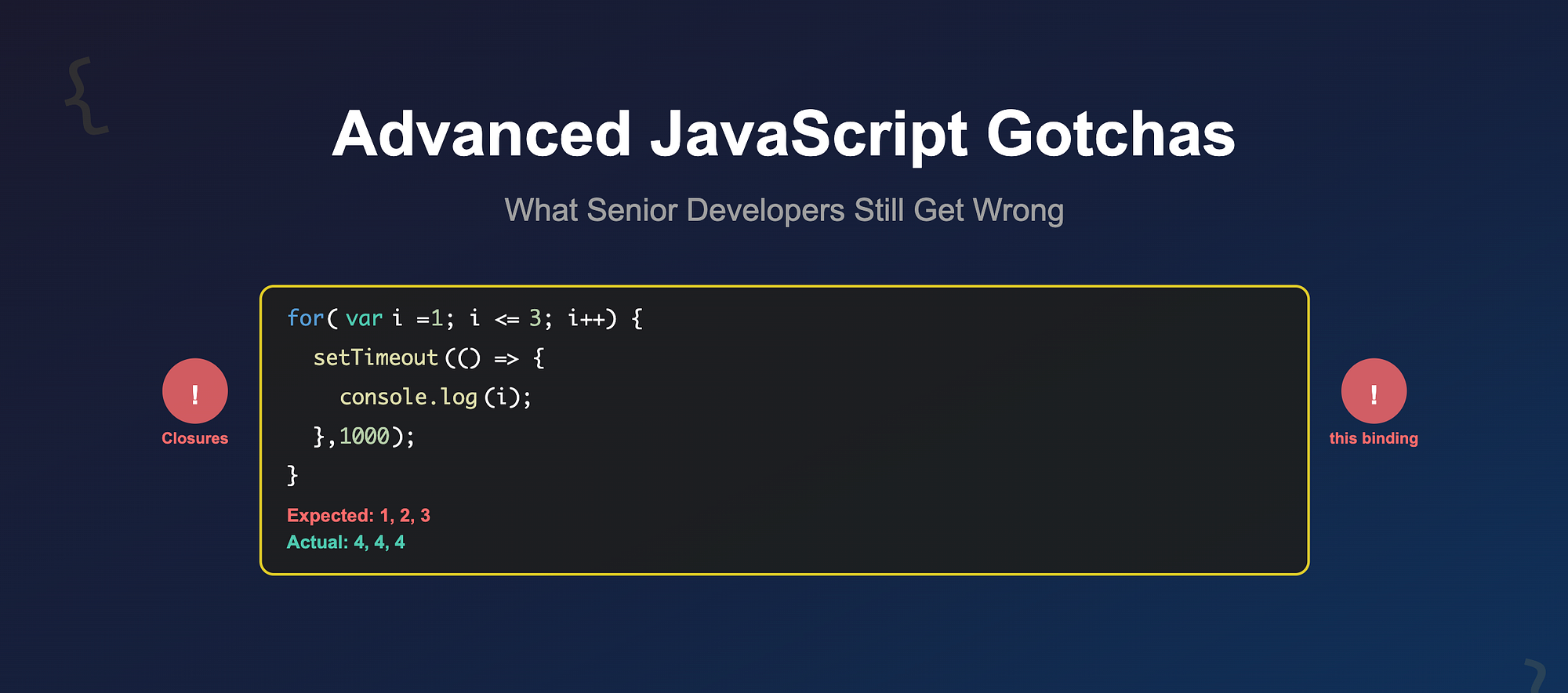
for (var i = 1; i <= 3; i++) {
  setTimeout(() => {
    console.log(i);
  }, 1000);
}
What do you expect? Most seniors would say:
1
2
3
But JavaScript laughs and says:
4
4
4
Why? Because var is function-scoped. By the time the callbacks run, the loop has finished and i is already 4.
The Fix
Use let to create block scope:
for (let i = 1; i <= 3; i++) {
  setTimeout(() => console.log(i), 1000);
}
Or wrap in an IIFE if you're feeling old-school:
for (var i = 1; i <= 3; i++) {
  ((j) => setTimeout(() => console.log(j), 1000))(i);
}
Closures are amazing. But remember: they capture variables, not values.
2. The Shape-Shifting this
Ah, the this keyword, responsible for more developer therapy sessions than IE6 ever was.
The Surprise
const user = {
  name: "Rahul",
  greet: function () {
    console.log(`Hi, I'm ${this.name}`);
  },
};
setTimeout(user.greet, 1000);
Expected: Hi, I'm Rahul
Actual: Hi, I'm undefined
Why? Because when user.greet is passed as a callback, it loses its binding to user. this now points to the global object (or undefined in strict mode).
The Fix
Bind it explicitly:
setTimeout(user.greet.bind(user), 1000);Or use an arrow function to preserve context:
setTimeout(() => user.greet(), 1000);Rule of thumb: if you're passing methods around, decide who owns this or you'll be debugging phantom undefineds.
3. Async Pitfalls: The Await Trap
Even senior devs underestimate async/await sometimes. The trap? Forgetting that await blocks within its scope.
async function processUsers(users) {
  for (const user of users) {
    await sendEmail(user); // runs one by one 😬
  }
}
With 1000 users, you've just turned your function into a performance bottleneck.
The Fix: Run in Parallel
async function processUsers(users) {
  await Promise.all(users.map((user) => sendEmail(user)));
}
But beware that parallel execution can overwhelm APIs or DB connections. Sometimes sequential is intentional. The key is: know when your awaits are serial vs parallel.
4. Memory Leaks in Disguise
Memory leaks in JavaScript aren't always about huge arrays or forgotten caches. Often, it's unintentional references keeping objects alive longer than they should.
Example: Event Listeners
function attach() {
  const el = document.getElementById("btn");
  el.addEventListener("click", () => {
    console.log("Clicked!");
  });
}
Looks fine, right? But if el is later removed from the DOM without cleaning up, that closure is still holding a reference, preventing garbage collection.
The Fix
Always clean up after yourself:
function attach() {
  const el = document.getElementById("btn");
  const handler = () => console.log("Clicked!");
  el.addEventListener("click", handler);
  return () => el.removeEventListener("click", handler);
}
Frameworks like React, Vue, and Angular handle a lot of this cleanup, but in plain JavaScript or custom libs, leaks sneak in silently.
Wrapping up
Being "senior" doesn't mean you're immune to JavaScript's sharp edges. Closures, this, async behavior, and memory leaks are areas where mistakes still happen, even to experienced devs.
But here's the good news: every one of these gotchas comes down to mental models. The better you understand JavaScript's execution model, scoping rules, and event loop, the less likely you are to get bitten.
At the end of the day, the best developers aren't the ones who never make mistakes, they're the ones who know where the landmines are.
So next time you find yourself debugging something that "should have worked," remember: JavaScript doesn't care how senior you are. 😉