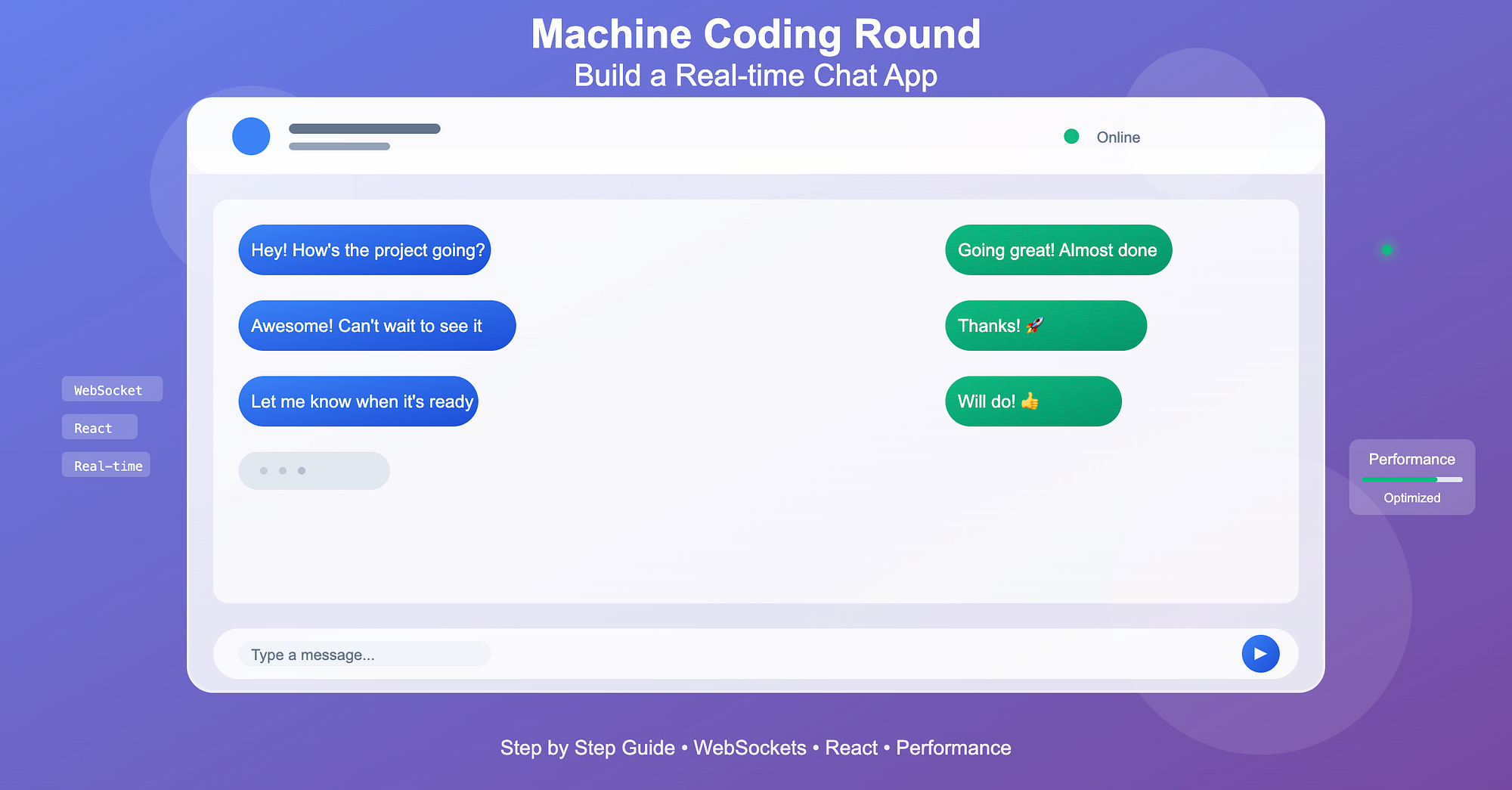
If you've ever been asked to "build a chat app" in a machine coding round, you know it's more than just sending messages. It's about real-time updates, state management, and performance under load.
In this article, we'll walk through building a real-time chat app step by step, from local state handling to WebSocket integration, with code examples that are interview-ready and practical.
Step 1: Set Up the UI
A chat app needs two core components:
- Message list
- Input box
Here's a minimal React setup:
function ChatApp() {
  const [messages, setMessages] = useState([]);
  const [input, setInput] = useState("");

  const sendMessage = () => {
    if (!input.trim()) return;
    setMessages([
      ...messages,
      { text: input, sender: "You", timestamp: Date.now() },
    ]);
    setInput("");
  };

  return (
    <div className="chat-container">
      <div className="message-list">
        {messages.map((msg, idx) => (
          <div key={idx} className="message">
            <strong>{msg.sender}:</strong> {msg.text}
          </div>
        ))}
      </div>
      <input
        value={input}
        onChange={(e) => setInput(e.target.value)}
        onKeyDown={(e) => e.key === "Enter" && sendMessage()}
        placeholder="Type a message..."
      />
    </div>
  );
}
You now have a basic local chat. Next, let's make it real-time across users.
Step 2: Integrate WebSockets for Real-time Messaging
WebSockets let you push updates to all connected clients without polling.
Here's a minimal Node.js server using ws:
// server.js
import { WebSocketServer } from "ws";

const wss = new WebSocketServer({ port: 8080 });

wss.on("connection", (ws) => {
  ws.on("message", (message) => {
    wss.clients.forEach((client) => {
      if (client !== ws && client.readyState === 1) {
        client.send(message);
      }
    });
  });
});
Client-side WebSocket Integration
const socket = useMemo(() => new WebSocket("ws://localhost:8080"), []);

useEffect(() => {
  socket.onmessage = (event) => {
    const msg = JSON.parse(event.data);
    setMessages((prev) => [...prev, msg]);
  };
}, []);

const sendMessage = () => {
  if (!input.trim()) return;
  const msg = { text: input, sender: "You", timestamp: Date.now() };
  setMessages((prev) => [...prev, msg]);
  socket.send(JSON.stringify(msg));
  setInput("");
};
Now messages appear in real-time for all connected users.
Step 3: Handle Multiple Users
- Add a username prompt when a user joins.
- Include sender in message payload to differentiate users.
const [username, setUsername] = useState("");

if (!username) {
  return (
    <input
      placeholder="Enter your username"
      onKeyDown={(e) =>
        e.key === "Enter" && setUsername(e.target.value)
      }
    />
  );
}- WebSocket messages now include the sender's name.
- The UI renders messages differently depending on who sent them.
Step 4: Optimize Performance for Long Chat Logs
1. Virtualize variable-height messages
- Messages vary in height (line breaks, emojis, images).
- Use react-window's VariableSizeList with dynamic sizing:
import { VariableSizeList as List } from "react-window";
import { useRef } from "react";

const sizeMap = useRef(new Map());
const getItemSize = (index) => sizeMap.current.get(index) || 50;
const setItemSize = (index, size) => sizeMap.current.set(index, size);

<List
  height={400}
  width={300}
  itemCount={messages.length}
  itemSize={getItemSize}
>
  {({ index, style }) => (
    <div
      style={style}
      ref={(el) => {
        if (el) setItemSize(index, el.getBoundingClientRect().height);
      }}
    >
      <strong>{messages[index].sender}:</strong> {messages[index].text}
    </div>
  )}
</List>
This ensures each message has enough vertical space, even with variable content.
2. Batch incoming WebSocket messages
- Throttle updates to prevent state thrashing:
const buffer = useRef([]);

socket.onmessage = (event) => {
  buffer.current.push(JSON.parse(event.data));
};

useEffect(() => {
  const interval = setInterval(() => {
    if (buffer.current.length) {
      setMessages((prev) => [...prev, ...buffer.current]);
      buffer.current = [];
    }
  }, 16); // ~60fps
  return () => clearInterval(interval);
}, []);- Reduces excessive renders during high traffic.
Step 5: Add Optional Features (Interview Plus Points)
- Typing indicators (user is typing...)
- Read receipts
- Message reactions or emojis
- Persistent storage (Redis, MongoDB, Firebase)
Even mentioning these in an interview demonstrates end-to-end real-time system design understanding.
Wrapping Up
Building a real-time chat app in a machine coding round tests:
- State management: local and remote updates
- Real-time communication: WebSocket integration
- Performance optimizations: batching, throttling, variable-height virtualization
- Scalable architecture thinking: multiple users, persistence
If you can implement this in 45–60 minutes with a clean, functional UI, you're nailing the machine coding round.
This app mirrors real-world features in Slack, Discord, or WhatsApp Web, exactly what interviewers look for in practical coding exercises.