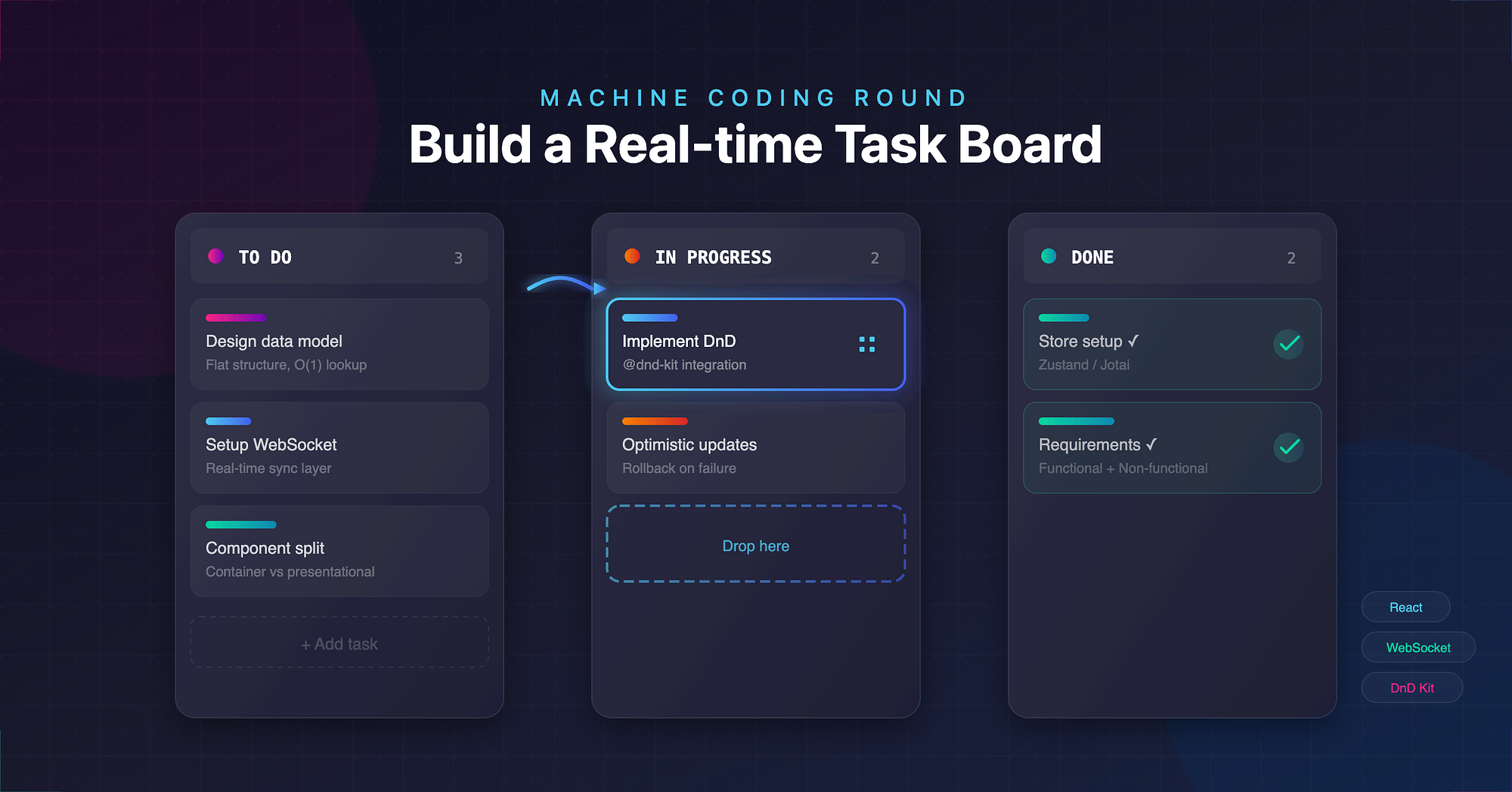
Machine coding rounds are no longer about printing patterns or showing mastery of syntax. Companies expect you to design and implement a small product end-to-end, with clean architecture, predictable state flow, and real-time interaction.
In this guide, we walk through how to build a real-time task board similar to Trello.
1. Problem Statement
You are asked to build a small task board where users can:
- Create columns (To Do, In Progress, Done)
- Add and edit tasks
- Drag tasks across columns
- Persist changes
- Show updates in real time when multiple clients are connected
Your interviewer expects:
- A working UI
- Clean component breakdown
- Predictable state management
- Some real-time syncing plan
- Handling concurrency and partial failures
- Reasoning about tradeoffs
2. Requirements (Functional + Non-Functional)
Functional Requirements
- Display all columns and tasks.
- Add column, add task, edit task title.
- Drag task from one column to another.
- Persist board state to backend.
- Real-time sync via WebSockets or polling.
- Optimistic updates when the user drags.
Non-Functional Requirements
- Smooth drag interactions (no jitter).
- Immediate UI feedback after any action.
- Resilient to slow networks.
- Minimal re-renders.
- Predictable store design for fast updates.
3. Data Modelling
Keep it simple and flat. For interviews, nested structures often lead to painful updates.
type Task = {
  id: string;
  title: string;
  columnId: string;
  position: number; // Used for ordering
};

type Column = {
  id: string;
  title: string;
  position: number;
};

type Board = {
  columns: Record<string, Column>;
  tasks: Record<string, Task>;
};
Why flat?
- O(1) lookup during drag.
- Easy optimistic writes.
- Easy merge for real-time patches.
Represent ordering through position values; avoid arrays of IDs inside columns to prevent cascade updates.
4. Components Layout
Think in terms of containers vs presentational components.
Board
 ├── ColumnList
 │     └── Column
 │           ├── ColumnHeader
 │           └── TaskList
 │                 └── TaskCard
 └── AddColumnButton
Board: Fetches initial data, owns WebSocket connection, updates global store. ColumnList: Displays columns in order. Column: Handles column-level actions. TaskCard: Pure presentational UI.
A lightweight global store works best (Zustand, Jotai, or even a reducer in context). Minimizing prop drilling lets you focus on the product, not wiring.
5. Drag and Drop
You can use HTML5 drag and drop or @dnd-kit. For interviews, @dnd-kit is easier to reason about.
Example with a minimal custom drag handler:
function TaskCard({ task }) {
  return (
    <div
      draggable
      onDragStart={(e) => {
        e.dataTransfer.setData("taskId", task.id);
      }}
      className="task-card"
    >
      {task.title}
    </div>
  );
}

function TaskList({ column }) {
  const moveTask = useBoardStore((s) => s.moveTask);
  return (
    <div
      onDragOver={(e) => e.preventDefault()}
      onDrop={(e) => {
        const taskId = e.dataTransfer.getData("taskId");
        moveTask(taskId, column.id);
      }}
      className="task-list"
    >
      {tasksInColumn.map((t) => (
        <TaskCard key={t.id} task={t} />
      ))}
    </div>
  );
}
Key design notes:
- Keep moveTask pure, accept (taskId, newColumnId) and update store.
- Maintain ordering with a simple heuristic: drop at end or calculate index based on event position.
- Dragging must not block UI; state changes happen instantly on drop.
6. Real-time Sync (WebSockets or Polling)
Option A: WebSockets (Preferred)
When the board state changes, broadcast a patch to all clients.
Browser:
useEffect(() => {
  const ws = new WebSocket("wss://api.example.com/board");

  ws.onmessage = (event) => {
    const patch = JSON.parse(event.data);
    applyPatchToBoard(patch); // merges into store
  };

  return () => ws.close();
}, []);
Server (pseudo):
ws.on("message", (msg) => {
  const patch = JSON.parse(msg);
  applyToDB(patch);
  broadcast(patch);
});
Option B: Polling (Fallback)
Poll every 3s for the latest board version:
setInterval(async () => {
  const latest = await fetch("/board");
  merge(latest);
}, 3000);
WebSockets should be your default answer; polling is a backup strategy.
7. Optimistic UI Updates
A senior-friendly interviewer expects this.
When a user drags:
- Apply change instantly to local UI.
- Fire API call or WebSocket message.
- If server rejects, rollback.
moveTask(taskId, columnId) {
  const old = board.tasks[taskId];
  // 1. optimistic
  updateLocal((s) => {
    s.tasks[taskId].columnId = columnId;
  });
  // 2. server notify
  socket.send(JSON.stringify({ type: "MOVE_TASK", taskId, columnId }));
  // 3. rollback on failure
  socket.onerror = () => {
    updateLocal((s) => {
      s.tasks[taskId] = old;
    });
  };
}
Optimistic UI shows confidence; rolling back shows robustness.
8. Architecture Decisions (Explain Your Tradeoffs)
- Why a global store? Drag operations touch many parts of the UI; you want a single source of truth.
- Why WebSockets? Lower latency, fewer collisions, less bandwidth for real-time features.
- Why flat data model? Simplifies merging patches when multiple clients edit concurrently.
- Explain Component Design: Splitting large components avoids re-renders during drag. TaskCard is pure; Column only re-renders when relevant tasks change.
Explain everything using small, opinionated statements. Interviewers evaluate design clarity more than code volume.
9. Handling Concurrency
Multi-user updates are the trickiest part of a Trello-like board.
Option 1: Last-Write-Wins (Simple)
Most interview settings accept this.
- Each client sends timestamped changes.
- Server applies the latest update.
- Server broadcasts the patch.
- Clients merge incoming patches into local state.
Option 2: Version-based Merging
Keep board version: board.version.
- Client includes version in every write.
- Server accepts only if version matches.
- If mismatch, server responds with full board snapshot.
- Client re-applies optimistic change on top of new snapshot.
socket.send({
  type: "MOVE_TASK",
  taskId,
  columnId,
  version: board.version,
});
Wrapping Up
Final points to keep in mind during the interview.
- Talk while building. Silence kills interviews.
- Use predictable patterns: clean store, small components, flat data.
- Implement drag quickly; polish real-time syncing next.
- Add optimistic updates; explain rollback strategy.
- Keep architecture diagrams in your explanation, even if informal.
This structure demonstrates senior-level clarity and hands-on coding ability, which is exactly what machine coding rounds evaluate.