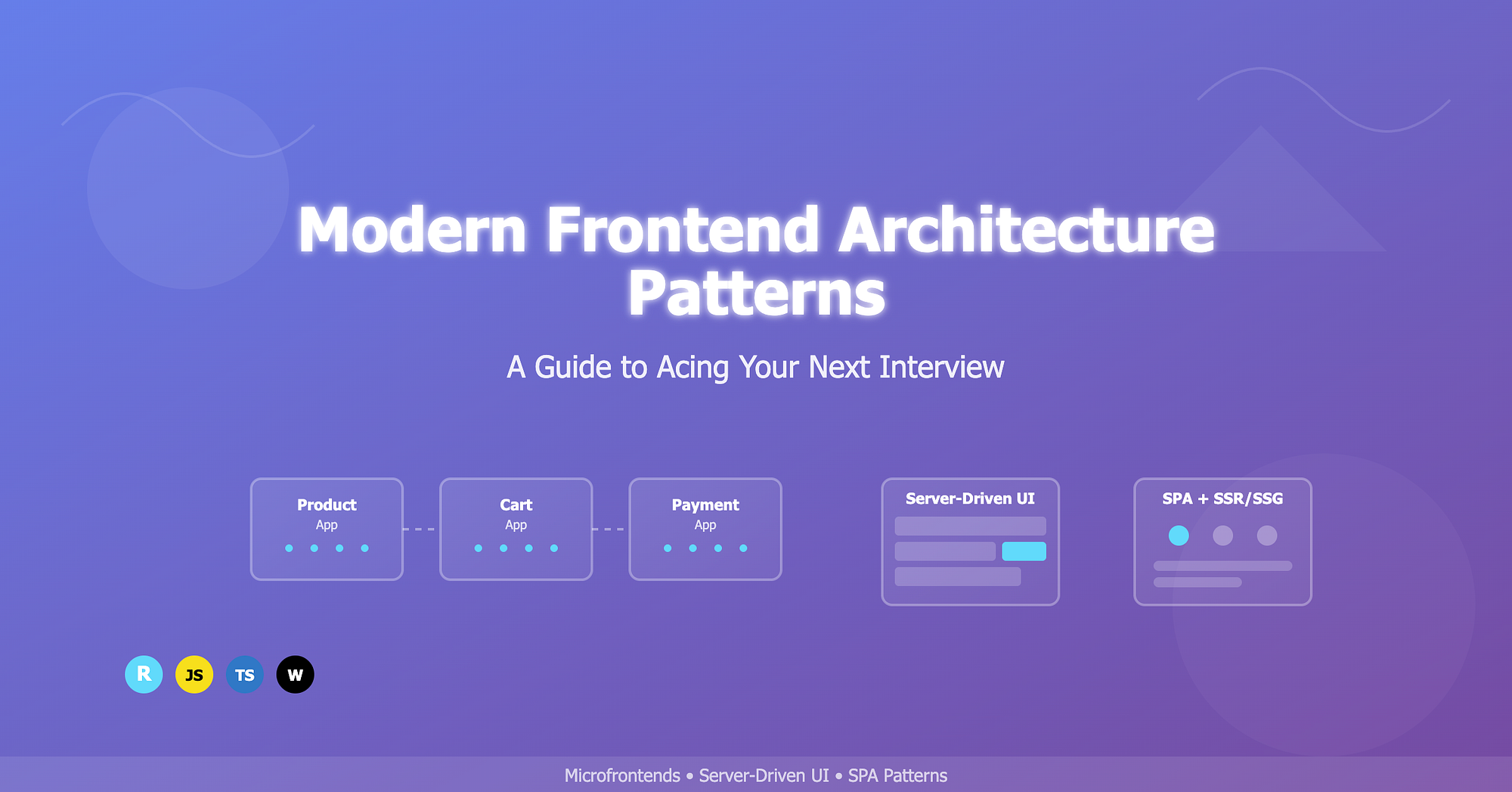
As a frontend engineer, you're likely no stranger to the world of software architecture. But when it comes to modern frontend architecture patterns, things can get tricky. In this post, we'll dive into the most popular patterns, their trade-offs, and what you need to know to ace your next interview.
The Evolution of Frontend Architecture
In the early days of web development, frontend architecture was relatively simple. We had a client-server model, where the client (browser) would request resources from the server, and the server would respond with HTML, CSS, and JavaScript. But as applications grew in complexity, so did the need for more sophisticated architecture patterns.
The Real Problem We're Solving: Remember when you had to deploy your entire application just to fix a typo in the footer? Or when one team's changes would break another team's feature? These are the pain points that modern architecture patterns address.
Today, we have a plethora of patterns to choose from, each with its strengths and weaknesses. In this post, we'll focus on three modern frontend architecture patterns that you'll likely encounter in interviews:
- Microfrontend Architecture — Breaking down the monolith
- Server-Driven UI (SDUI) — The server takes control
- Single-Page Application (SPA) with Modern Twists — Beyond the basics
Microfrontend Architecture: Beyond the Buzzword
Microfrontend architecture is an extension of the microservices concept, but with a crucial difference: it's not just about breaking down your backend. It's about creating truly independent frontend applications that can be developed, deployed, and scaled independently.
The Real-World Scenario: Imagine you're working at a large e-commerce company like Amazon. You have:
- A product team working on the product catalog
- A payments team handling checkout flows
- A recommendations team building the "You might also like" section
- A reviews team managing customer feedback
With a monolithic approach, all these teams would be fighting over the same codebase, deployment schedules, and tech stack decisions. Sound familiar? That's where microfrontends shine.
Implementation Pattern — Module Federation (The Modern Way)
// webpack.config.js - Product Team
const { ModuleFederationPlugin } = require("webpack").container;

module.exports = {
  plugins: [
    new ModuleFederationPlugin({
      name: "productApp",
      filename: "remoteEntry.js",
      exposes: {
        "./ProductCard": "./src/components/ProductCard",
        "./ProductGrid": "./src/components/ProductGrid",
        "./useProductData": "./src/hooks/useProductData",
      },
      shared: {
        react: { singleton: true, requiredVersion: "^18.0.0" },
        "react-dom": { singleton: true, requiredVersion: "^18.0.0" },
      },
    }),
  ],
};

// webpack.config.js - Cart Team
module.exports = {
  plugins: [
    new ModuleFederationPlugin({
      name: "cartApp",
      remotes: {
        productApp: "productApp@http://localhost:3001/remoteEntry.js",
      },
      exposes: {
        "./CartWidget": "./src/components/CartWidget",
      },
    }),
  ],
};
Runtime Integration
// src/components/ProductWithCart.tsx
import React, { Suspense } from "react";

const ProductCard = React.lazy(() => import("productApp/ProductCard"));
const CartWidget = React.lazy(() => import("cartApp/CartWidget"));

const ProductWithCart = ({ product }) => {
  return (
    <div className="product-container">
      <Suspense fallback={<div>Loading product...</div>}>
        <ProductCard product={product} />
      </Suspense>

      <Suspense fallback={<div>Loading cart...</div>}>
        <CartWidget productId={product.id} />
      </Suspense>
    </div>
  );
};
Performance Considerations & Gotchas — The Bundle Size Nightmare: Each microfrontend brings its own dependencies. Here's how to handle it:
// Shared dependency management
const sharedDeps = {
  react: { singleton: true, eager: true },
  "react-dom": { singleton: true, eager: true },
  lodash: { singleton: true, requiredVersion: "^4.17.21" },
};

new ModuleFederationPlugin({
  shared: sharedDeps,
});
State Management Across Microfrontends: This is where things get interesting:
// src/lib/globalState.js
class GlobalStateManager {
  constructor() {
    this.subscribers = new Map();
    this.state = {
      user: null,
      cart: [],
      theme: "light",
    };
  }

  subscribe(key, callback) {
    if (!this.subscribers.has(key)) {
      this.subscribers.set(key, new Set());
    }
    this.subscribers.get(key).add(callback);

    return () => {
      this.subscribers.get(key).delete(callback);
    };
  }

  setState(key, value) {
    this.state[key] = value;
    if (this.subscribers.has(key)) {
      this.subscribers.get(key).forEach((callback) => callback(value));
    }
  }
}

window.globalState = new GlobalStateManager();
Server-Driven UI (SDUI): The Future of Dynamic UIs
Server-Driven UI is where the server becomes the puppet master of your frontend. Instead of hardcoding UI components, the server sends a configuration that tells the client exactly what to render.
Implementation Pattern — Example server configuration
// Server-side component definition
interface SDUIComponent {
  type: "button" | "card" | "list" | "form";
  props: Record<string, any>;
  children?: SDUIComponent[];
  conditions?: {
    show?: string;
    hide?: string;
  };
  actions?: {
    onClick?: string;
    onSubmit?: string;
  };
}

// Example server response
const serverResponse = {
  components: [
    {
      type: "card",
      props: {
        title: "Welcome Back!",
        subtitle: "We missed you",
        image: "https://example.com/welcome.jpg",
      },
      children: [
        {
          type: "button",
          props: {
            text: "Continue Shopping",
            variant: "primary",
            size: "large",
          },
          actions: {
            onClick: "navigateToProducts",
          },
          conditions: {
            show: "user.isLoggedIn && user.hasRecentActivity",
          },
        },
      ],
    },
  ],
};
Client-side renderer
// Client-side renderer
class SDUIRenderer {
  private componentRegistry = new Map<string, React.ComponentType>();

  registerComponent(type: string, component: React.ComponentType) {
    this.componentRegistry.set(type, component);
  }

  render(component: SDUIComponent): React.ReactElement {
    const Component = this.componentRegistry.get(component.type);

    if (!Component) {
      console.warn(`Unknown component type: ${component.type}`);
      return null;
    }

    if (
      component.conditions?.show &&
      !this.evaluateCondition(component.conditions.show)
    ) {
      return null;
    }

    if (
      component.conditions?.hide &&
      this.evaluateCondition(component.conditions.hide)
    ) {
      return null;
    }

    return (
      <Component
        {...component.props}
        key={Math.random()}
        onClick={
          component.actions?.onClick
            ? this.handleAction(component.actions.onClick)
            : undefined
        }
      >
        {component.children?.map((child) => this.render(child))}
      </Component>
    );
  }

  private evaluateCondition(condition: string): boolean {
    try {
      return new Function("user", "context", `return ${condition}`)(
        this.user,
        this.context
      );
    } catch (error) {
      console.error("Condition evaluation failed:", error);
      return false;
    }
  }

  private handleAction(actionName: string) {
    return (...args: any[]) => {
      this.actions[actionName]?.(...args);
    };
  }
}
Single-Page Application (SPA) with Modern Twists
The traditional SPA pattern has evolved significantly. It's no longer just about client-side routing and state management. Modern SPAs incorporate sophisticated rendering strategies and performance optimizations.
1. Client-Side Rendering (CSR) — The OG SPA
const CSRApp = () => {
  const [data, setData] = useState(null);
  const [loading, setLoading] = useState(true);

  useEffect(() => {
    fetch("/api/data")
      .then((res) => res.json())
      .then((data) => {
        setData(data);
        setLoading(false);
      });
  }, []);

  if (loading) return <Spinner />;
  return <DataDisplay data={data} />;
};
2. Server-Side Rendering (SSR) — The Performance Boost
// pages/index.tsx (Next.js)
export async function getServerSideProps(context) {
  const data = await fetch("https://api.example.com/data");
  const jsonData = await data.json();

  return {
    props: {
      data: jsonData,
      timestamp: new Date().toISOString(),
    },
  };
}

const SSRApp = ({ data, timestamp }) => {
  return (
    <div>
      <DataDisplay data={data} />
      <p>Rendered at: {timestamp}</p>
    </div>
  );
};
3. Static Site Generation (SSG) — The Speed Demon
export async function getStaticProps() {
  const data = await fetch("https://api.example.com/data");
  const jsonData = await data.json();

  return {
    props: {
      data: jsonData,
    },
    revalidate: 60, // Revalidate every 60 seconds (ISR)
  };
}
4. Incremental Static Regeneration (ISR) — The Best of Both Worlds
export async function getStaticPaths() {
  const posts = await fetch("https://api.example.com/posts");
  const paths = posts.map((post) => ({
    params: { id: post.id.toString() },
  }));

  return {
    paths,
    fallback: "blocking", // or true for better UX
  };
}
Wrapping Up
Modern frontend architecture is about making the right trade-offs for your specific use case. There's no one-size-fits-all solution, and the best architects understand when to use each pattern.
Remember: The goal isn't to implement the most complex architecture possible. It's to build something that scales with your team, performs well for your users, and doesn't become a maintenance nightmare.