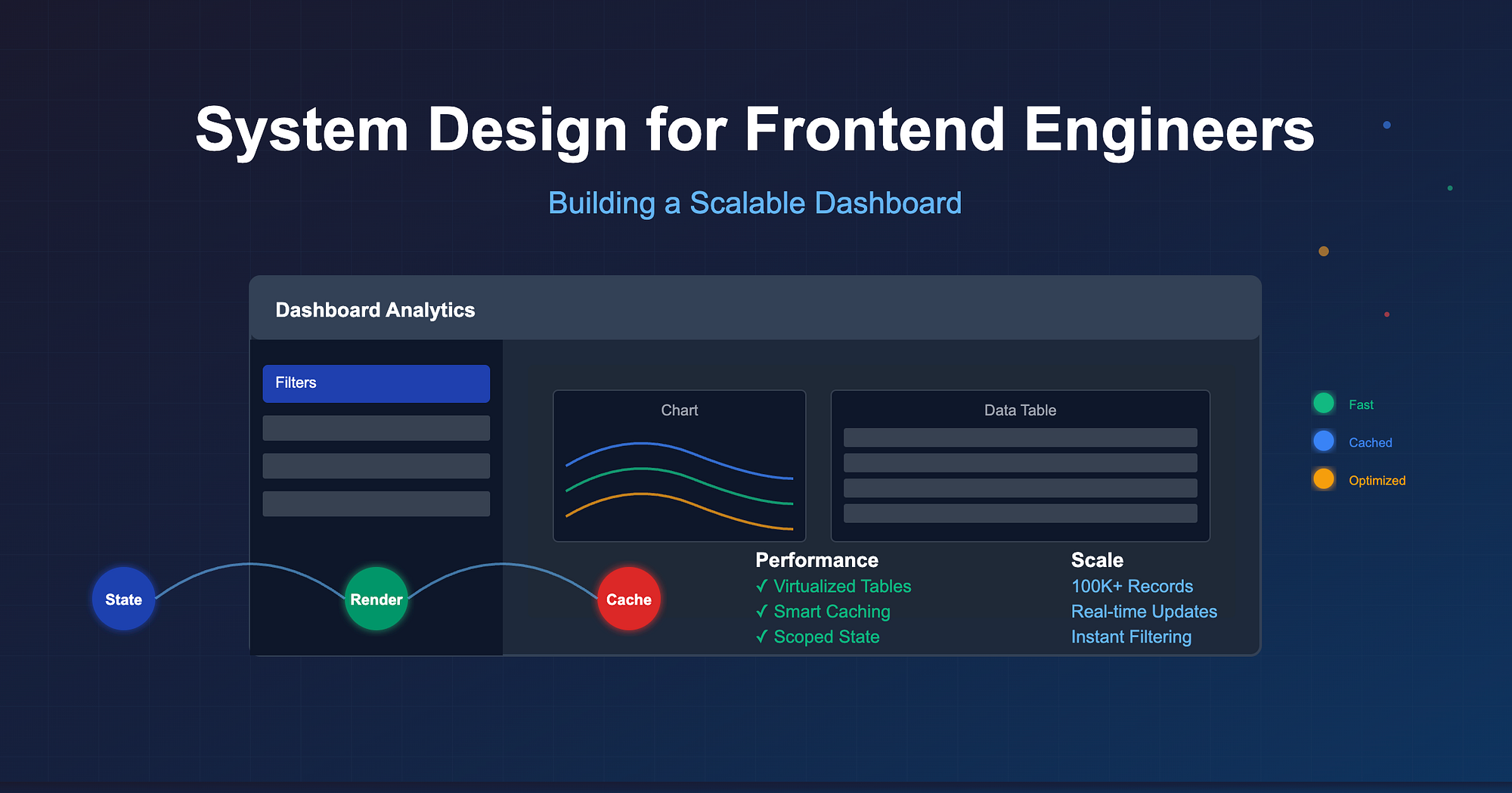
Most frontend engineers think of "system design" as a backend problem like databases, distributed systems, caching layers. But here's the truth: building a scalable frontend dashboard is its own system design challenge.
Remember the last time your app dashboard slowed to a crawl when you loaded 10,000 rows? Or when a single filter caused every chart, table, and widget to re-render at once? That's not just "bad React code." That's a frontend system design failure.
Let's walk through how to think about state, rendering, and caching like an architect not just a coder.
1. State Management: The Beating Heart
At the core of any dashboard lies state i.e. filters, pagination, user preferences, fetched data. Get it wrong, and you're in rerender hell.
Common Anti-Pattern
Putting everything in one global store:
// globalStore.js
const store = create((set) => ({
  filters: {},
  users: [],
  settings: {},
  // ...and 20 other things
}));
Now, change one filter and boom, your entire dashboard re-renders.
Scalable Approach
Scope your state. Keep local where possible, global only where necessary.
// Filters in a dedicated store
const useFilterStore = create((set) => ({
  filters: {},
  updateFilter: (key, value) =>
    set((state) => ({ filters: { ...state.filters, [key]: value } })),
}));
This way, updating filters doesn't ripple into unrelated components like charts or settings.
Rule of thumb: Minimize blast radius of state changes.
2. Rendering Strategies: Don't Render the Universe
Dashboards often juggle tables, charts, graphs, and filters; all competing for render time. The naive approach is to let React do its thing. The scalable approach is to design for rendering.
Example: Huge Tables
function UserTable({ users }) {
  return (
    <table>
      {users.map((u) => (
        <tr key={u.id}>
          <td>{u.name}</td>
        </tr>
      ))}
    </table>
  );
}
With 50,000 rows, this explodes.
Solution: Virtualization
import { FixedSizeList as List } from "react-window";

function UserTable({ users }) {
  return (
    <List
      height={500}
      itemCount={users.length}
      itemSize={35}
      width={800}
    >
      {({ index, style }) => (
        <div style={style}>{users[index].name}</div>
      )}
    </List>
  );
}
Now, you only render what's visible. Instead of 50,000 rows, you're rendering maybe 20 at a time.
Rule of thumb: Render less, not faster.
3. Caching: Because APIs Aren't Free
Dashboards often hit multiple APIs: metrics, charts, user data. Call them naively, and you're both slow and expensive.
Example Problem
Every tab switch refetches the same data:
useEffect(() => {
  fetch("/api/metrics").then(setMetrics);
}, [activeTab]);
Solution: Client-Side Caching
Use SWR, React Query, or even a custom cache layer.
import useSWR from "swr";

function Metrics() {
  const { data } = useSWR("/api/metrics", fetcher, {
    revalidateOnFocus: false,
    dedupingInterval: 10000,
  });
  return <Chart data={data} />;
}
Now:
- Data is cached for 10s
- No duplicate requests within that window
- Tabs load instantly when switching
Rule of thumb: Fetch once, reuse everywhere.
4. The Feedback Loop: State → Render → Cache
Scalable dashboards are about aligning three moving parts:
- State: Scoped and modular, not monolithic
- Render: Virtualized, memoized, and split wisely
- Cache: Smart reuse of data to avoid redundant work
When these three are in sync, you don't just get "working" dashboards, you get snappy, scalable, production-grade dashboards.
5. A Real-World Example
Let's say your dashboard shows:
- A giant table of transactions
- A pie chart of categories
- A filter panel with date + status
How it breaks down:
- State: Filters live in a filter store; table pagination state is local; chart state derived from filters.
- Rendering: Table uses virtualization; chart only re-renders when filters change; filter panel is lightweight.
- Caching: Transactions API cached with React Query; derived category data memoized.
Result? You can handle 100k transactions with smooth scrolling and instant filtering, without melting your users' laptops.
Wrapping Up
System design isn't just for backend engineers. As frontend engineers, we're building complex systems too, dashboards that must scale in both data size and user expectations.
By treating state management, rendering strategies, and caching as design problems, not just code decisions, you'll stop firefighting performance issues and start building dashboards that feel effortless, no matter how big the data gets.
Because at the end of the day, users don't care about your architecture diagrams, they care that their dashboard feels instant.