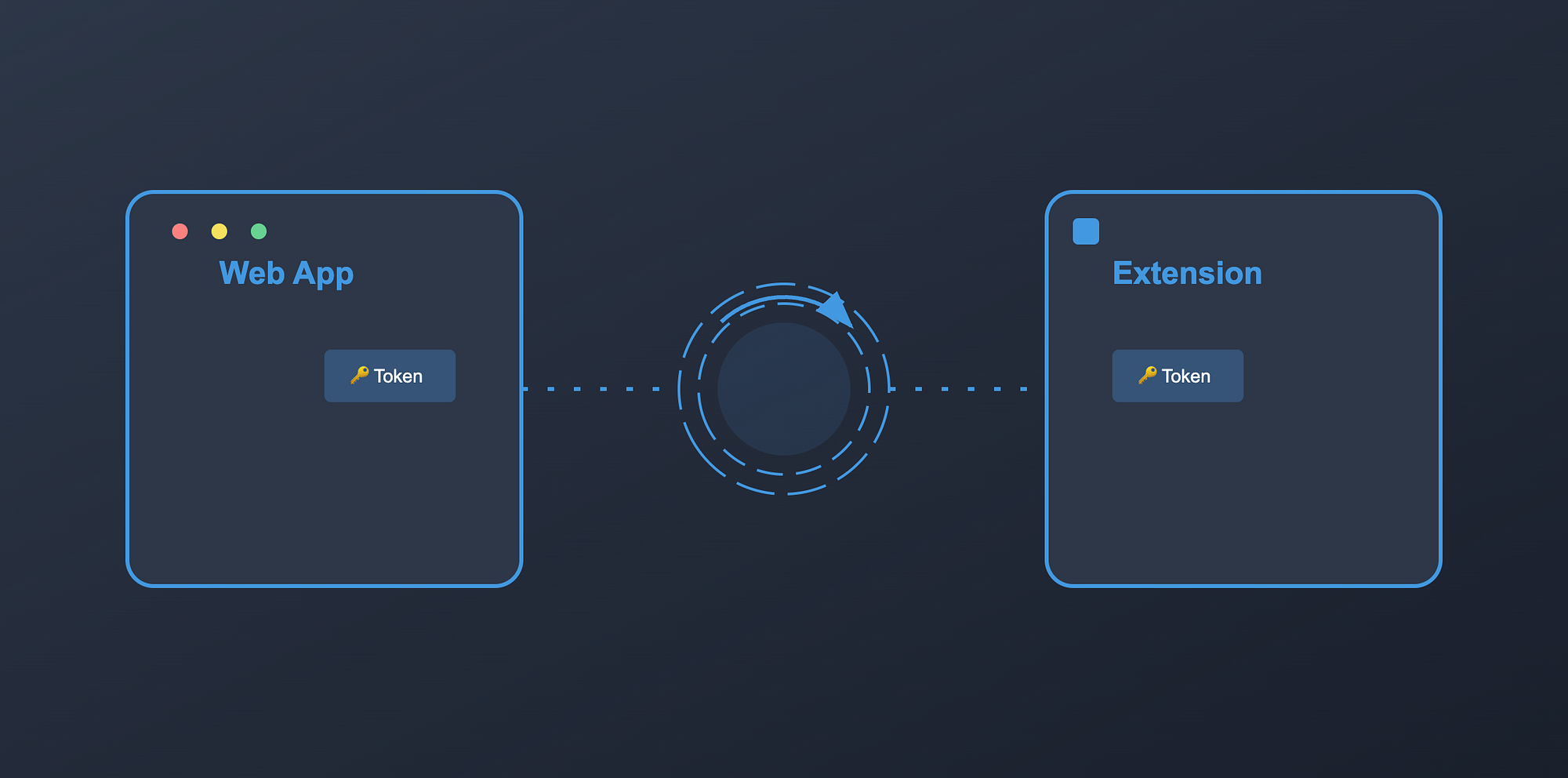
Chrome extensions run in a separate context from your web app, so auth state can get out of sync: users log in twice, tokens in the extension go stale, or logout in the app doesn’t reflect in the extension. Here’s a way to keep them in sync in near real time.
The challenge
Extensions have their own storage and execution context. That isolation is good for security but leads to:
- Inconsistent auth between app and extension
- Multiple login prompts
- Risky or clumsy token handling
- Race conditions on token refresh
- One side logged out, the other still “in”
A real-time bridge between the app and the extension can fix this.
Building the real-time auth bridge
1. Initial handshake
Only run bridge code on your app’s domain. Use a query param (e.g. ?extensionAuth=1) when the extension opens the app for login so the app can show a dedicated “extension auth” UI (e.g. loading overlay) and avoid normal app chrome.
const initializeAuthBridge = () => {
  const { host: targetHost } = new URL(API_URL);
  const { host: currentHost } = new URL(window.location.href);

  if (targetHost !== currentHost) return;

  const isExtensionAuth = new URL(window.location.href).searchParams.get(
    "extensionAuth"
  );

  if (isExtensionAuth === "1") {
    const loadingOverlay = createLoadingOverlay();
    document.body.appendChild(loadingOverlay);
  }
};
2. Token handling and sync
On load (e.g. DOMContentLoaded), read tokens from the app’s storage (e.g. localStorage). If the access token is expired, refresh using the refresh token, then send both tokens to the extension. If still valid, send them as-is.
const handleTokenAuthentication = () => {
  window.addEventListener("DOMContentLoaded", async () => {
    const accessToken = window.localStorage.getItem("access_token");
    const refreshToken = window.localStorage.getItem("refresh_token");

    if (accessToken && refreshToken) {
      const decoded = jwt_decode(accessToken);
      const isExpired = isTokenExpired(decoded);

      if (isExpired) {
        const newTokens = await refreshAuthTokens(refreshToken);
        await syncToExtension(newTokens);
      } else {
        await syncToExtension({ accessToken, refreshToken });
      }
    }
  });
};
syncToExtension can use chrome.runtime.sendMessage from an injected script or a small polling/sync step that writes to chrome.storage.local from the app (e.g. via a shared pattern like postMessage + content script).
3. Continuous sync
To keep the extension in sync after login (and after token refresh in the app), run a short-interval sync from the app page: read current tokens and write them to the extension (e.g. via message or a content script that writes to chrome.storage.local). Clear the interval on logout or when the bridge is torn down.
const setupRealtimeSync = () => {
  const SYNC_INTERVAL = 5000;

  const interval = setInterval(async () => {
    try {
      const authData = {
        access_token: window.localStorage.getItem("access_token"),
        refresh_token: window.localStorage.getItem("refresh_token"),
      };
      await chrome.storage.local.set(authData); // from extension context
    } catch (error) {
      console.error("Sync failed:", error);
      clearInterval(interval);
    }
  }, SYNC_INTERVAL);

  return interval;
};
(Note: Writing to chrome.storage from the web page usually requires a content script or extension page as the one calling chrome.storage.local.set; the app can post a message to the content script with the tokens, and the content script performs the set.)
Why this approach works
- Less friction: One login in the app can feed the extension.
- Near real-time: Short-interval sync keeps tokens aligned.
- Automatic refresh: App refreshes tokens; next sync pushes them to the extension.
- Security: Domain check, no tokens in URLs, and using the extension’s storage and messaging.
Implementation gotchas
- Domain: Only run the bridge on your real app domain.
- Errors: Handle network/refresh failures and retries so one failure doesn’t break sync forever.
- Cleanup: Clear intervals and listeners when the user logs out or the page unloads.
- Token safety: Don’t log or expose tokens; use secure storage and messaging.
Flow summary
- User triggers “Login” in the extension.
- Extension opens the app (e.g. in a tab) with
?extensionAuth=1. - App completes login/refresh and establishes the bridge (handshake + initial token sync).
- Tokens are synced to the extension (message + storage or content script).
- Optional: close the auth tab after success.
- Continuous sync keeps tokens updated so logout or refresh in the app is reflected in the extension.
With this, the extension and web app stay in sync without double logins. If you found this helpful, give it a clap 👏 and follow for more on React and frontend development.