Remember the last time you tried processing a massive Excel sheet in your web app? Or that moment when your data visualization froze while crunching through thousands of records? JavaScript's single-threaded nature has been the biggest enemy of smooth user experiences since the dawn of web applications. But what if I told you there's a way to handle heavy computations without turning your app into a frozen wasteland?
The Hidden Performance Killer
Here's a scene that might sound familiar: Your team has just launched a shiny new feature that processes customer data in real-time. Everything looks perfect in testing. Then the support tickets start rolling in: "The app becomes unresponsive." "Can't even scroll while the report generates." "It's like watching paint dry!" The culprit? All your JavaScript code fighting for attention on the same thread.
Let's look at a typical scenario that haunts many web applications:
function processLargeDataset(data) {
  return data.map((item) => {
    // Complex calculations
    const result = performHeavyCalculations(item);
    return result;
  });
}

// This blocks the main thread 😱
const handleClick = () => {
  const results = processLargeDataset(hugeDataArray);
  setProcessedData(results);
};
The problem? JavaScript is single-threaded. Every calculation, every DOM update, every event handler — they're all fighting for attention on the same main thread. When you're running intensive operations, everything else has to wait its turn, including user interactions.
Enter Web Workers: Your Performance Superhero 🦸♂️
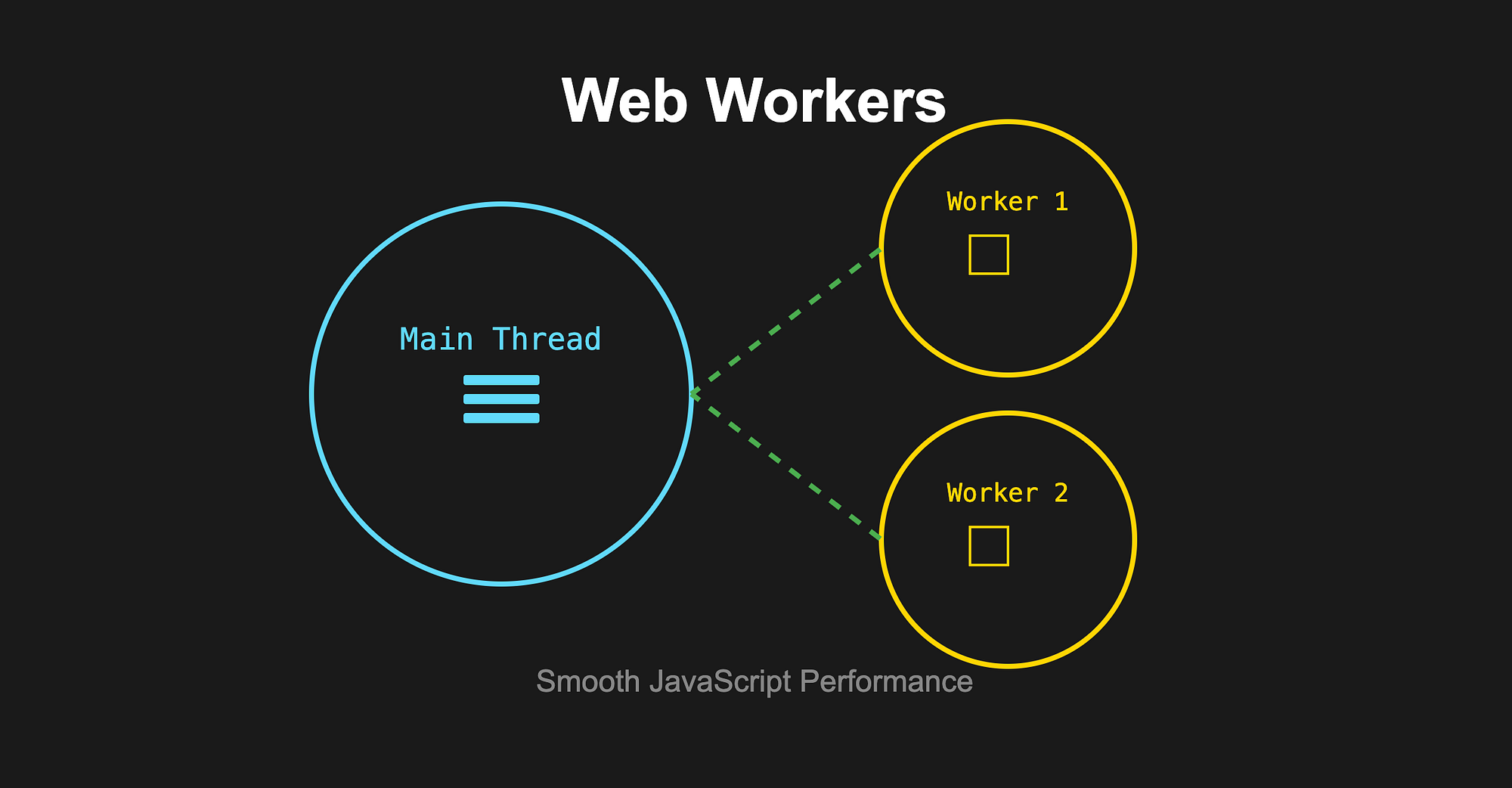
Web Workers are like hiring an assistant for your JavaScript code. They run in a separate thread, handling heavy lifting while keeping your main thread free for what it does best — managing the UI and responding to user interactions.
Here's how we can refactor our previous example using a Web Worker:
// worker.js
self.onmessage = function (e) {
  const data = e.data;
  const results = data.map((item) => {
    // Now these heavy calculations run in a separate thread
    const result = performHeavyCalculations(item);
    return result;
  });

  self.postMessage(results);
};

// main.js
const dataWorker = new Worker("worker.js");

dataWorker.onmessage = function (e) {
  const results = e.data;
  setProcessedData(results);
};

const handleClick = () => {
  dataWorker.postMessage(hugeDataArray);
};
Pretty neat, right? Let's break down the magic that just happened:
Remember our frozen UI problem? We just solved it by moving the heavy lifting to a separate thread. Here's what's going on behind the scenes:
- First, we create our worker buddy in a separate file (
worker.js). This is where all our intensive calculations will live from now on. - Our worker is always listening for tasks using
onmessage. When it receives data, it processes it without bothering the main thread — kind of like having a dedicated calculator that doesn't interrupt your other work. - Back in our main code, we create this worker helper (
new Worker("worker.js")), set up how we'll handle its responses, and now we can send it data whenever we need to. - The best part? While our worker is crunching numbers, our main thread stays free to handle all those clicks, scrolls, and animations. No more frozen UI! 🎉
The Benefits Are Game-Changing:
Think of it like having a personal assistant who handles all the number-crunching while you focus on making your app look pretty. With Web Workers, you get:
- A buttery-smooth UI that doesn't freeze up during heavy lifting
- Your app finally taking advantage of those fancy multi-core processors
- Users who aren't frantically clicking their mouse wondering if their browser crashed
- A main thread that can focus on what it does best — making your app feel snappy
Real-World Applications (Where Web Workers Shine)
I've seen Web Workers save the day in countless scenarios. Here are some of my favorites:
- That time when we needed to parse a 50MB CSV file without bringing the browser to its knees
- Processing images on-the-fly for a photo editing app that actually felt responsive
- Running complex financial calculations that would've otherwise turned our trading dashboard into a slideshow
- Analyzing real-time data streams without missing a beat (or a user interaction)
Taking It Further: Using External Libraries in Workers
Once you're comfortable with basic Workers, you can supercharge them with external libraries. Here's a real-world example using lodash for data processing:
// worker-with-lodash.js
import _ from "lodash";

self.onmessage = function (e) {
  const data = e.data;

  // Using lodash to group and transform data
  const processed = _.chain(data)
    .groupBy("category")
    .mapValues((group) => ({
      total: _.sumBy(group, "amount"),
      average: _.meanBy(group, "amount"),
      items: _.sortBy(group, "timestamp"),
    }))
    .value();

  self.postMessage(processed);
};

// main.js
const analyticsWorker = new Worker(
  new URL("./worker-with-lodash.js", import.meta.url)
);

analyticsWorker.onmessage = function (e) {
  const results = e.data;
  updateDashboard(results);
};

const processLargeSalesData = () => {
  analyticsWorker.postMessage(salesData);
};
To make this work, you'll need to configure your bundler. Here's how to do it with Webpack:
// webpack.config.js
module.exports = {
  entry: {
    main: "./src/main.js",
    "worker-with-lodash": "./src/worker-with-lodash.js",
  },
  output: {
    filename: "[name].bundle.js",
  },
  module: {
    rules: [
      {
        test: /\.js$/,
        use: "babel-loader",
        exclude: /node_modules/,
      },
    ],
  },
};
Quick tip: If you can't set up bundling right away, here's a temporary solution using CDN (not recommended for production):
// worker-with-lodash-cdn.js
importScripts("https://cdn.jsdelivr.net/npm/lodash@4.17.21/lodash.min.js");

self.onmessage = function (e) {
  // ... same worker code as above ...
};
The Plot Twist: It's Not All Sunshine and Rainbows 🌧️
Before you rush off to Web Worker-ify your entire codebase, there are some quirks you should know about. Think of these as the fine print in our performance-boosting contract:
- No DOM Access: Workers can't directly manipulate the DOM. This means you can't update UI elements, modify styles, or handle DOM events directly from within a Worker. All DOM updates need to be sent back to the main thread.
- Limited Scope: Workers can't access window, document, or parent objects. They run in an isolated environment without access to the main thread's global scope. This means no direct access to localStorage, cookies, or other browser APIs that depend on these global objects.
- Communication Overhead: Data transfer between threads has some cost. When you send data between the main thread and Worker, it gets cloned using the structured clone algorithm. For large datasets, this serialization/deserialization process can impact performance. Consider using TransferableObjects when possible.
- Setup Complexity: Requires proper bundling and deployment configuration. Workers need their own separate JavaScript files, which means additional build setup. You'll need to configure your bundler (webpack, Rollup, etc.) to handle Worker files correctly and ensure proper file paths in production.
Let Me Share Some Battle-Tested Best Practices
1. Pick Your Battles Wisely
// Perfect for Workers - number crunching marathons
const heavyCalculation = () => {
  for (let i = 0; i < 1000000; i++) {
    // Complex mathematical operations
  }
};

// Keep this on main thread - it's UI work!
const updateUI = () => {
  document.querySelector(".result").innerHTML = "Updated!";
};
2. Always Have a Plan B
const worker = new Worker("worker.js");

worker.onerror = function (error) {
  console.error("Worker error:", error);
  // Fallback mechanism
};
3. Clean Up After Yourself
function cleanup() {
  worker.terminate();
  worker = undefined;
}
The Future is Bright (and Multi-threaded)
The web is evolving faster than ever, and Web Workers are riding that wave. Modern frameworks are making them easier to use, and new APIs like Worklets and SharedArrayBuffer are adding even more tricks to our performance toolkit.
The Bottom Line
Web Workers aren't just another tool in your developer toolbox — they're your secret weapon for building apps that feel as smooth as butter on a hot pancake. While they're not the answer to every performance problem, they're absolutely game-changing for those CPU-intensive tasks that would otherwise bring your app to its knees.
Remember: Users don't care about how fast your code runs — they care about how fast the app feels. And with Web Workers, you can deliver on both fronts. Have you had any adventures with Web Workers in your projects? Battle stories to share? Drop them in the comments below — I'd love to hear how these parallel-processing champions have saved (or complicated) your day!