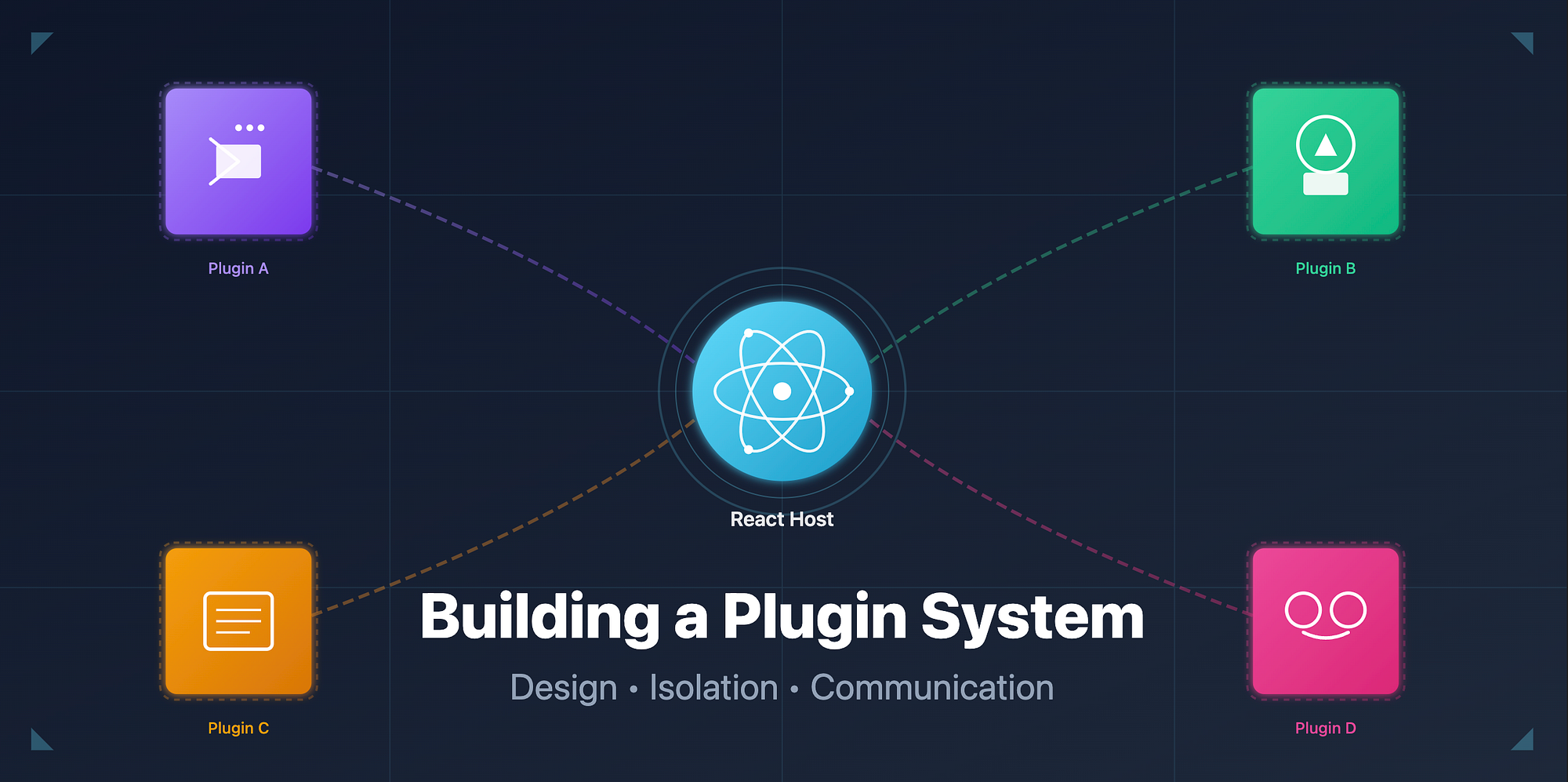
Imagine this question in an architecture review meeting:
"How would you let other teams extend your React app without touching the core codebase?"
This single question can separate a senior engineer from an architect. Because it's not just about writing more React components. It's about designing extensibility which means allowing independent modules to plug into your system safely, dynamically, and without breaking anything.
This is where plugin systems come in.
Let's explore how we can build a plugin architecture in React, understand its core principles, and learn from the extensibility models used by platforms like VS Code and Figma.
Why a Plugin System?
A plugin system allows external teams (or even users) to add features dynamically without modifying the main app's source code.
Common real-world examples:
- VS Code extensions add syntax highlighting, debuggers, or linters.
- Figma plugins add automation, export tools, or AI features.
- Chrome extensions inject capabilities into the browser.
For a React app, this can mean:
- Injecting new panels, widgets, or routes.
- Adding analytics integrations.
- Extending business workflows.
The challenge is balancing openness with control. We want plugins to be flexible but sandboxed, and integrated but isolated.
Core Concepts
Let's break this into three core ideas:
- Plugin Registration
- Isolation of State and Side Effects
- Communication Between Host and Plugins
1. Plugin Registration
At the heart of the system is a Plugin Manager that knows:
- Which plugins exist.
- Where to render them.
- How to load them dynamically.
Think of it as a registry or router for external modules.
A minimal example:
// pluginManager.js
const plugins = {};

export function registerPlugin(name, pluginDefinition) {
  plugins[name] = pluginDefinition;
}

export function getPlugins() {
  return Object.values(plugins);
}
Plugins can register themselves like this:
// weatherPlugin.js
import { registerPlugin } from "./pluginManager";

registerPlugin("weather", {
  mount: (hostElement) => {
    import("./WeatherWidget").then(({ default: WeatherWidget }) => {
      hostElement.render(<WeatherWidget />);
    });
  },
});
The host app just iterates over registered plugins and mounts them in designated zones.
// HostApp.js
import { getPlugins } from "./pluginManager";

export function PluginHost() {
  const pluginZones = getPlugins();
  return (
    <div>
      {pluginZones.map((plugin, i) => (
        <div key={i} id={`plugin-${i}`} ref={plugin.mount}></div>
      ))}
    </div>
  );
}
This is the skeleton of your plugin system. Now we'll make it safer and more powerful.
2. Isolation of State and Side Effects
When you allow third-party code to run in your React tree, you must protect your app's stability.
Isolation ensures that:
- A buggy plugin does not crash the entire app.
- Plugin state does not leak into global app state.
- Side effects remain contained.
There are three main strategies for isolation.
a. Logical isolation using Error Boundaries
Wrap each plugin with an error boundary:
class PluginBoundary extends React.Component {
  state = { hasError: false };

  static getDerivedStateFromError() {
    return { hasError: true };
  }

  render() {
    if (this.state.hasError) return <div>Plugin crashed</div>;
    return this.props.children;
  }
}
Use it when rendering plugins:
<PluginBoundary>
  <DynamicPluginComponent />
</PluginBoundary>
b. State isolation with separate stores
Instead of sharing the app-wide Redux or Zustand store, give each plugin its own store instance or context. This keeps internal plugin mutations separate from the host.
Example (using Zustand):
export const createPluginStore = () =>
  create((set) => ({
    count: 0,
    increment: () => set((s) => ({ count: s.count + 1 })),
  }));
Each plugin can instantiate its own store using createPluginStore() so no state collisions occur.
c. Sandbox isolation (optional)
For highly untrusted code, you can load plugins inside an iframe or use tools like Comlink or Web Workers to execute logic outside the main thread.
That level of isolation is used by heavy extensibility platforms like VS Code.
3. Communication Between Host and Plugins
Even if isolated, plugins need to communicate with the host and with each other.
For example:
- A "chat plugin" might need the current user.
- A "report plugin" might need to notify the host when data exports are complete.
There are three common communication models.
a. Event Bus
A lightweight event emitter that all modules can subscribe to.
// eventBus.js
const listeners = {};

export const eventBus = {
  on(event, callback) {
    (listeners[event] ||= []).push(callback);
  },
  emit(event, data) {
    (listeners[event] || []).forEach((cb) => cb(data));
  },
};
The host and plugins can now communicate loosely:
// Plugin
eventBus.emit("PLUGIN_READY", { name: "weather" });

// Host
eventBus.on("PLUGIN_READY", (data) => console.log(`${data.name} loaded`));
b. React Context
If you need tighter integration with React state, wrap your app with a PluginContext provider that exposes data or callbacks.
const PluginContext = createContext();

export function PluginProvider({ children }) {
  const [data, setData] = useState({});
  return (
    <PluginContext.Provider value={{ data, setData }}>
      {children}
    </PluginContext.Provider>
  );
}
Plugins can consume this context directly.
c. Pub-Sub Services
For more complex systems, a typed pub-sub layer can handle multiple channels of communication between host and plugins, similar to how Figma's plugin API works.
Example Architecture Overview
Here's a simplified diagram of the flow:
┌─────────────────────────────────────┐
│             Host App                │
│  ┌───────────────────────────────┐  │
│  │         Plugin Manager         │  │
│  │ ┌──────────────────────────┐  │  │
│  │ │ Plugin Registry          │  │  │
│  │ │ Event Bus / Context      │  │  │
│  │ └──────────────────────────┘  │  │
│  │        ↓  Dynamic Load         │  │
│  │   ┌──────────────────────┐    │  │
│  │   │  Plugin Boundary      │    │  │
│  │   │  Isolated Plugin UI  │    │  │
│  │   └──────────────────────┘    │  │
│  └───────────────────────────────┘  │
└─────────────────────────────────────┘
The flow:
- The host initializes the Plugin Manager.
- Each plugin registers itself with metadata and entry points.
- The Plugin Manager loads and mounts the plugin dynamically.
- Plugins communicate through the shared event bus or context.
Example: Dynamic Component Loading
A core feature of plugin systems is on-demand loading. Plugins should only load when needed to avoid bloating the main bundle.
React's lazy and Suspense make this easy:
const WeatherPlugin = React.lazy(() => import("./plugins/Weather"));

function PluginSlot() {
  return (
    <React.Suspense fallback={<div>Loading...</div>}>
      <WeatherPlugin />
    </React.Suspense>
  );
}
For a real plugin system, this import path can come dynamically from metadata or configuration.
Key Learnings
- Plugins are contracts between the host and external code. A stable interface (registration API, communication model) is crucial.
- Isolation is safety. Use error boundaries, separate state, or sandboxing to protect the host app.
- Communication design matters. Choose event bus or context based on how decoupled you want plugins to be.
- Dynamic loading keeps performance predictable by avoiding unnecessary bundle weight.
Wrapping Up
Building a plugin system is not just about dynamic imports or lazy loading. It is about designing a framework for collaboration which means allowing others to safely extend your product while keeping your core architecture clean and stable.
When done right, it turns your React app from a fixed product into a living platform.