Have you ever clicked a button in your React app, and the whole UI froze for a second? That tiny pause and that subtle lag is what React's concurrency model set out to eliminate.
In the old days, React rendering was like a chef cooking one giant meal in one go. Once it started, nothing else could interrupt. But as apps grew more interactive and data-heavy, that model began to show its limits. Users expect instant feedback. A small delay feels broken.
In 2025, React's concurrency model is not just a buzzword. It is how modern React apps keep things smooth and responsive, even under load.
Let's understand how React got here, how concurrency really works under the hood, and what it means for the code you write every day.
The Problem: Synchronous Rendering and the "Frozen" UI
Before concurrency, React worked in a fully synchronous way.
When something triggered a render, let's say state updated, React would start reconciling the entire component tree. Once started, it would not stop until it was done.
If this process took 200ms, the browser could not respond to user inputs during that time. You could move your mouse, type in a field, or click a button, React wouldn't notice until it finished its work.
That's why large React apps sometimes felt "stuck" for a moment.
React needed a way to break rendering into smaller chunks, pausing between them when something more important (like user input) came in.
The Evolution: From Sync to Concurrent Rendering
Concurrent Rendering introduced a simple but powerful idea: React should be able to interrupt work, reprioritize it, and resume later.
Instead of working like this:
[Render everything, then commit to DOM]React now works like this:
[Render some work] → [Check if something urgent happened]
→ [Pause or continue] → [Commit only when ready]
This shift turned React's renderer into a scheduler, one that decides which updates deserve immediate attention and which can wait.
How React Handles Concurrency Internally
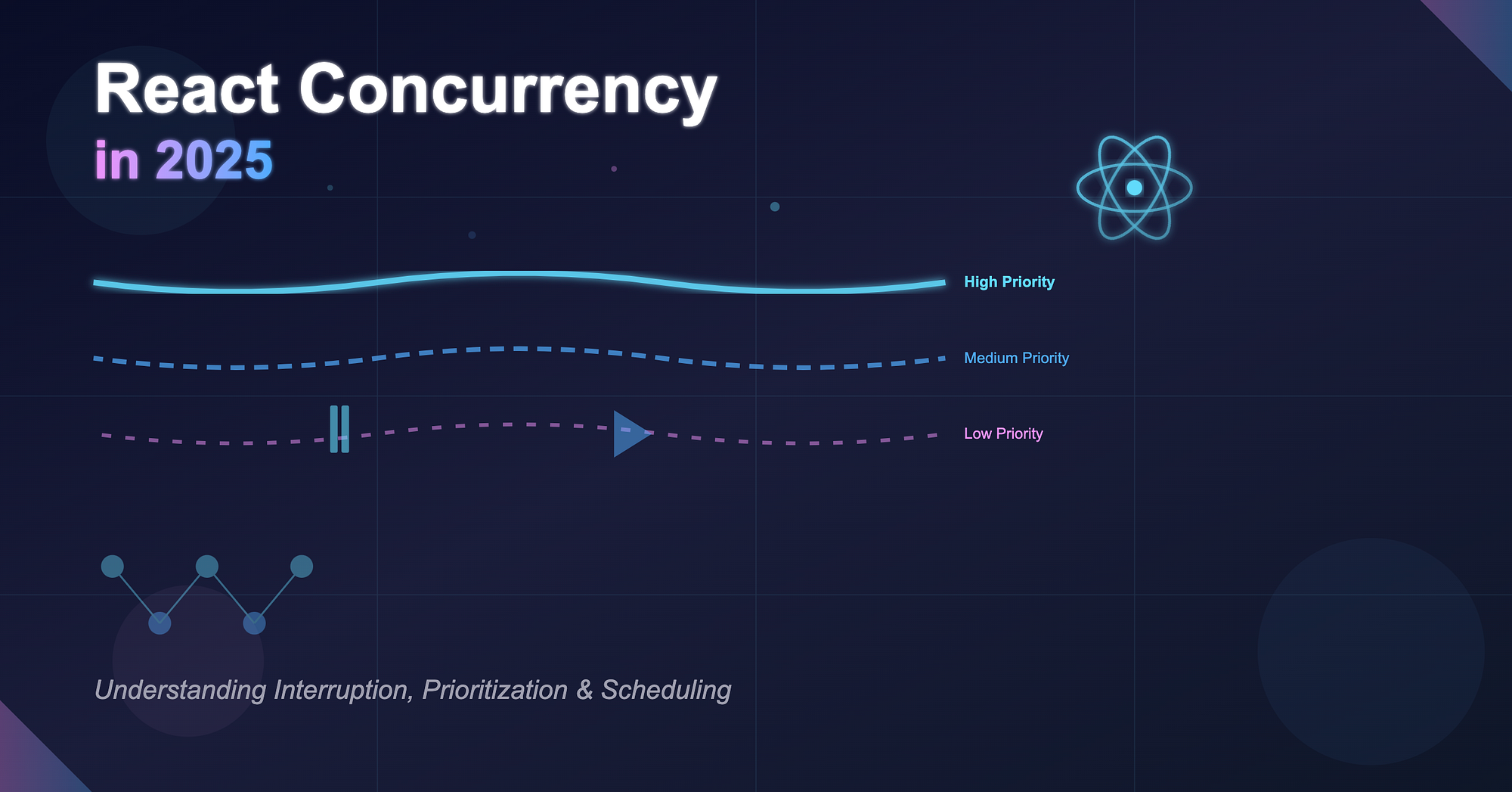
At the heart of React's concurrency model are three concepts:
-
Interruption — React can pause a rendering task midway if a higher-priority task appears. Example: A user types into a field while a background data fetch triggers a rerender. React pauses the slow re-render to process the keystroke first.
-
Prioritization — Each task has a priority level. User input is "urgent", while background updates are "low priority". React decides which updates to process first based on these priorities.
-
Scheduling — React's internal scheduler (built around the Fiber architecture) coordinates which updates to perform now and which to defer.
The Fiber tree allows React to work in small units called "fibers". Each fiber represents a node in the component tree and holds enough info to pause and resume rendering efficiently.
useTransition: Deferring Non-Urgent Work
One of the most useful hooks for managing concurrency is useTransition.
Imagine a filter-heavy dashboard where changing filters triggers expensive re-renders. You want the filter button to respond instantly while the data loads in the background.
const [isPending, startTransition] = useTransition();

function handleFilterChange(newFilter) {
  startTransition(() => {
    setFilter(newFilter);
  });
}
Here's what happens:
- The button click updates immediately (urgent work).
- The UI for new filtered data is deferred.
- React shows a "pending" state while preparing the new render.
Result: the UI stays responsive even during heavy updates.
startTransition: Outside Hook Context
startTransition can also be used outside components, useful in event handlers or data logic:
import { startTransition } from "react";

startTransition(() => {
  store.setState({ results: expensiveComputation() });
});
It gives you manual control over what should be considered non-urgent, helping React schedule it in the background.
useDeferredValue: Making Expensive Values Lazy
useDeferredValue helps when you have a heavy computation or render that depends on a fast-changing input.
Example: a live search bar where typing updates results in real-time.
const [query, setQuery] = useState("");
const deferredQuery = useDeferredValue(query);

const results = useMemo(() => search(deferredQuery), [deferredQuery]);
This tells React:
"Keep updating the query immediately, but let the heavy search lag a bit."
It improves perceived performance, users see responsive typing while results update slightly behind.
React's concurrent mode ensures interactions never block rendering. It favors responsiveness over completeness.
Atomic Commits: The Secret to Smooth UI
Even with all this pausing and resuming, React ensures one critical rule: The DOM is updated atomically.
Partial renders never leak into the DOM. React prepares the new UI in memory, and only when the entire tree is ready does it commit everything at once.
That is why your UI never flickers or ends up half-rendered.
Concurrency and React 18+ in 2025
As of 2025, concurrency is the default mental model for React rendering. Features like:
- React.lazy for async boundaries
- Suspense for data fetching
- startTransition and useTransition for prioritization
- useDeferredValue for debounced updates
all work together to deliver concurrent, non-blocking experiences.
The React team continues refining the Scheduler, integrating it deeply with frameworks like Next.js and Remix to make concurrent rendering almost invisible to developers.
How to Write Concurrent-Friendly React Code Today
- Split large components into smaller boundaries. React can pause and resume work more efficiently if your tree is modular.
- Use Suspense for async data. It lets React coordinate UI rendering with data readiness.
- Use useTransition for background updates. Keep interactions snappy while heavier updates happen behind the scenes.
- Avoid blocking the main thread. Offload expensive calculations to Web Workers or server components when possible.
- Measure. Don't guess. Tools like React Profiler or browser performance tabs can show if renders are blocking interactions.
Wrapping Up
Concurrency is not just a behind-the-scenes optimization. It is a mindset shift, from "render everything now" to "render what matters first".
Understanding how React handles concurrency helps you write code that scales with your users' expectations. In 2025, the apps that feel fluid and intuitive are the ones that embrace concurrent rendering fully.