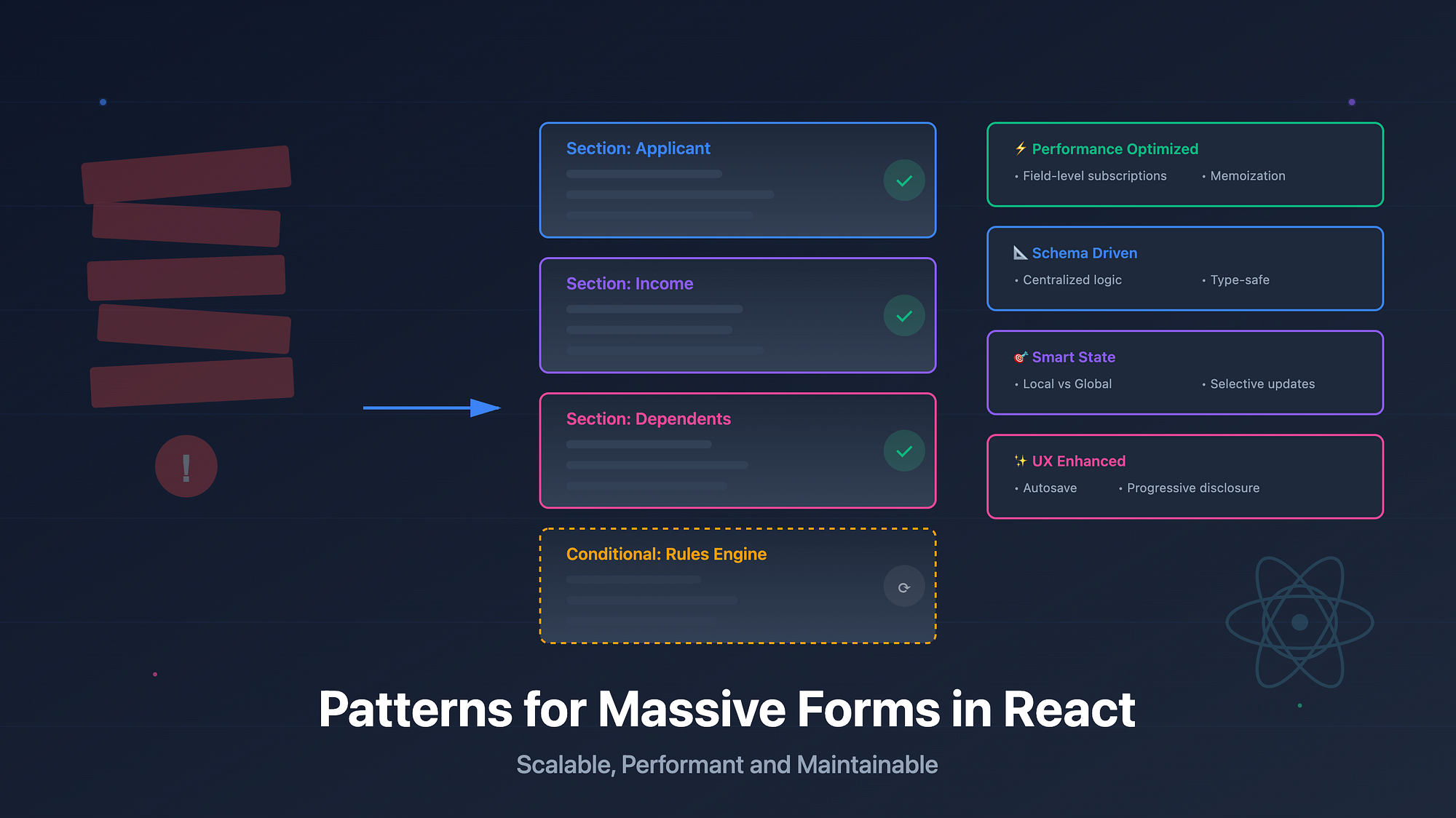
Big forms look innocent on Figma. Then you start building them. By the time your form has eight sections, dynamic fields, rule based visibility, async validation, and a hundred tiny UX expectations, it starts behaving like a miniature app inside your app.
If you do not approach large forms with the right patterns, they break fast. They re render too much. Their validation grows unpredictable. Their state structure collapses under new requirements. This post walks through the patterns that actually work for multi section, dynamic, rule driven forms in React.
Why large forms break so easily
Big forms fail because teams underestimate their complexity. A form with conditional sections, calculated fields, server driven rules and autosave is no longer a "form". It is a state machine. The moment you treat it like a bundle of inputs, you lose control.
Imagine a loan application form with sections like applicant details, income, dependents and a conditions block that changes based on age, employment type and region. If every field directly mutates shared state or fires validation on each keystroke, the app slows down and becomes impossible to debug.
The real root cause is lack of structure. Without proper modelling, everything leaks into everything else.
State modeling patterns for multi section dynamic forms
Treat each section as its own feature module. A section should own its slice of the form state and expose well defined helpers.
One pattern that scales:
{
  applicant: {
    name: "",
    age: "",
    employmentType: ""
  },
  income: {
    monthlyIncome: "",
    deductions: []
  },
  dependents: [...]
}
Each slice stays predictable. You can layer rules on top without touching unrelated parts of the form.
Rules become composable when your shape is stable. For example:
isSenior = applicant.age >= 60;
requiresGuardian = applicant.age < 18;
Keep rules separate from raw state. If you intermix them, everything becomes sticky.
Local vs global form state
You do not need global state for every field. In fact, lifting everything into React Context is the fastest way to ruin performance.
Use local state for isolated inputs or small clusters of fields that do not affect global logic. Use global state only when the field influences other sections, API calls or validation.
A good split:
- Local state: Small text inputs, UI only toggles, temporary editing values.
- Global state: Fields that drive rules, conditional visibility, calculated summaries or API syncing.
For example, a loan tenure slider that recalculates EMI should live in global state. A toggle that hides an optional tips section can stay local.
Schema driven forms
Schema driven forms are unbeatable for rule heavy enterprise apps. Instead of scattering logic across components, you store your form definition in a schema:
const schema = {
  applicant: {
    fields: {
      name: { type: "text", required: true },
      age: { type: "number", required: true },
      employmentType: {
        type: "select",
        options: ["Salaried", "Self Employed"],
      },
    },
    visibility: (state) => true,
  },
  income: {
    visibility: (state) => state.applicant.employmentType === "Salaried",
  },
};
This lets you generate UI, visibility rules and validation from the same source. Adding a new field becomes a schema update, not a component surgery.
Schema driven forms solve the "we need a new section for foreign income" problem without rewriting the form.
Performance strategies that matter
Massive forms choke if you rely only on default React rendering. The following patterns keep them fast.
1. Field level subscriptions
Libraries like React Hook Form and Zustand selectors let you subscribe only to the fields you care about. This eliminates re renders across unrelated sections.
2. memo for structural stability
If a section has many controlled inputs, wrap it in memo and pass stable props. Do not create new objects on every render. For example:
const Section = React.memo(function Section({ values, onChange }) {
  // ...
});
3. Virtualization for huge field lists
Some enterprise apps generate dozens or even hundreds of dynamic rows. Virtualize them. React Window works fine for form like lists.
4. Async validation
Never validate everything on every keystroke. Use debounced async validation for heavy checks like PAN verification or GST lookup.
5. React 19 transitions
Use transitions for expensive recalculations. They keep the input responsive even when rules and summaries take time to update.
startTransition(() => {
  updateRepaymentSchedule(values);
});
This is extremely useful for financial calculators and pricing forms.
UX enhancements that make large forms usable
1. Autosave
Autosave reduces user anxiety. Save only the diff and debounce it to avoid server load.
2. Optimistic updates
If saving a section triggers recalculation on the server, update the UI optimistically and reconcile when the server responds.
3. Intelligent defaults
Pre fill fields when possible. If the applicant is salaried, default income fields accordingly. Intelligent defaults cut friction and reduce errors.
4. Progressive disclosure
Do not show every field at once. Reveal sections only when they become relevant.
Common anti patterns that slow teams down
1. Giant global form context
Putting the entire form state into one context provider is the fastest way to get re render storms. Avoid it unless your subscriptions are selective.
2. Mutating state shapes over time
Enterprise apps love to mutate state structure mid project. Resist this. Agree on a stable shape early. Breaking the shape leads to cascading bugs.
3. Inline business rules inside UI components
This turns components into rule engines. Move rules to domain logic or schemas.
4. Validation everywhere
Do not scatter validation across handlers, effects and utils. Centralize it.
Wrapping Up
Start by modelling your form into stable sections. Give each section a well defined slice and rules that sit outside UI components.
Choose a global state strategy that supports field level subscriptions. Avoid global contexts for everything.
Add schemas if your form is heavily rule driven. They turn chaos into predictable structure.
Invest in performance early. Memoization, field level subscriptions, virtualization and transitions keep the form smooth even as it grows.
Finally, enforce good patterns through code reviews. Large forms do not fail because of one bad decision. They fail because of many small shortcuts taken over months.
With the right structure and patterns, massive forms become surprisingly easy to maintain and scale.