It's not always your API. Sometimes it's React itself.
We often jump to conclusions when an app feels sluggish that "The backend is slow," "It's the network," or "Maybe it's Chrome." But in most mature React apps, performance issues creep in quietly from within the frontend itself.
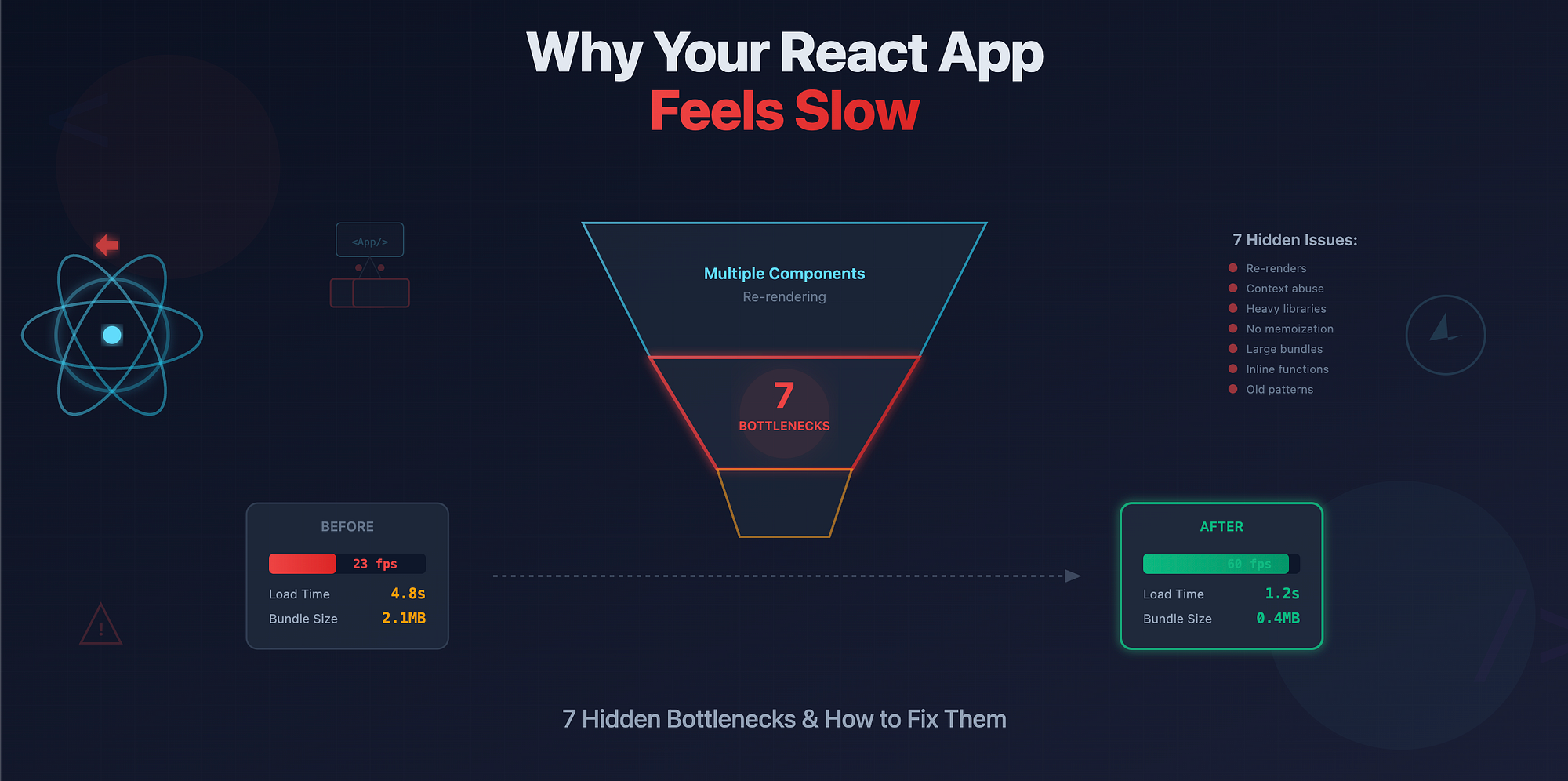
Here are 7 hidden bottlenecks that make your React app feel slower than it should and exactly how to fix them.
1. Excessive Re-renders
React re-renders are essential, but unnecessary ones are the silent killers of UI performance. If a parent component re-renders too often, its entire subtree may also re-render, even when nothing meaningful changed.
Fix it: Use React.memo or memoized selectors to isolate state changes.
// Bad
const Item = ({ label }) => <div>{label}</div>;

// Good
const Item = React.memo(({ label }) => <div>{label}</div>);
Pro tip: Check React DevTools' "Render" profiler to see which components are re-rendering most often.
2. Unnecessary Context Usage
Context is convenient, but it re-renders every consumer when its value changes, even those that don't care about the changed part.
Fix it: Split contexts by concern or use selector-based context libraries like Zustand, Jotai, or Recoil.
// Instead of one giant context
<UserContext.Provider value={{ name, theme, isAdmin }}>
  ...
</UserContext.Provider>

// Split them
<NameContext.Provider value={name}>
  <ThemeContext.Provider value={theme}>
    ...
  </ThemeContext.Provider>
</NameContext.Provider>
Smaller, focused contexts minimize re-renders and keep updates localized.
3. Heavy Third-Party Libraries
Large UI libraries, date libraries, or charting packages often bring unnecessary weight.
Example:
import moment from "moment";
moment().format("YYYY-MM-DD");
moment.js adds 300KB+ to your bundle.
Fix: Replace with lightweight alternatives:
- date-fns or dayjs for date utilities
- Recharts or Chart.js instead of complex visualization suites
- Tree-shake imports with ES modules
import { format } from "date-fns";
format(new Date(), "yyyy-MM-dd");
4. Non-memoized Expensive Calculations
Re-running the same computation on every render is an easy way to slow things down.
Fix it: Memoize expensive calculations or derived data.
// Bad
const result = complexComputation(data);

// Good
const result = useMemo(() => complexComputation(data), [data]);
If the computation is CPU-heavy, consider moving it to a Web Worker.
5. Large Bundles or Missing Code-splitting
If users wait several seconds before seeing your first render, your bundle is probably too large.
Fix it: Split your app into smaller chunks and load them lazily.
// Lazy load routes or components
const Dashboard = React.lazy(() => import("./Dashboard"));

<Suspense fallback={<Spinner />}>
  <Dashboard />
</Suspense>;
Also, ensure your build tool supports tree shaking so unused code is dropped during bundling.
6. Recreating Functions in Render
Inline functions inside components create new references on every render, which can break memoization in children.
Fix it: Use useCallback to stabilize function references.
// Bad
<button onClick={() => handleClick(id)}>Click</button>

// Good
const handleButtonClick = useCallback(() => handleClick(id), [id]);
<button onClick={handleButtonClick}>Click</button>
This simple change can drastically reduce re-renders in deeply nested trees.
7. Missing React 19 Concurrency Features
React 19 introduces new ways to keep apps responsive even during heavy updates.
If you're still using older patterns like useEffect for everything, you might be blocking rendering unnecessarily.
Example:
setLoading(true);
await fetchData();
setLoading(false);
Fix: Use concurrent features:
import { useTransition } from "react";

const [isPending, startTransition] = useTransition();
startTransition(() => fetchData());
This defers heavy state updates, keeping the UI interactive while work happens in the background.
React Performance Checklist
Before you blame your backend, run through this quick checklist:
- ✅ Memoize components and calculations
- ✅ Split contexts by concern
- ✅ Audit and trim heavy libraries
- ✅ Code-split large chunks
- ✅ Use useCallback for stable handlers
- ✅ Move expensive work off the main thread
- ✅ Upgrade to React 19 for concurrency
Performance isn't about magic tricks, it's about reducing the amount of work React needs to do. Fix these small things, and your app will feel instantly faster.